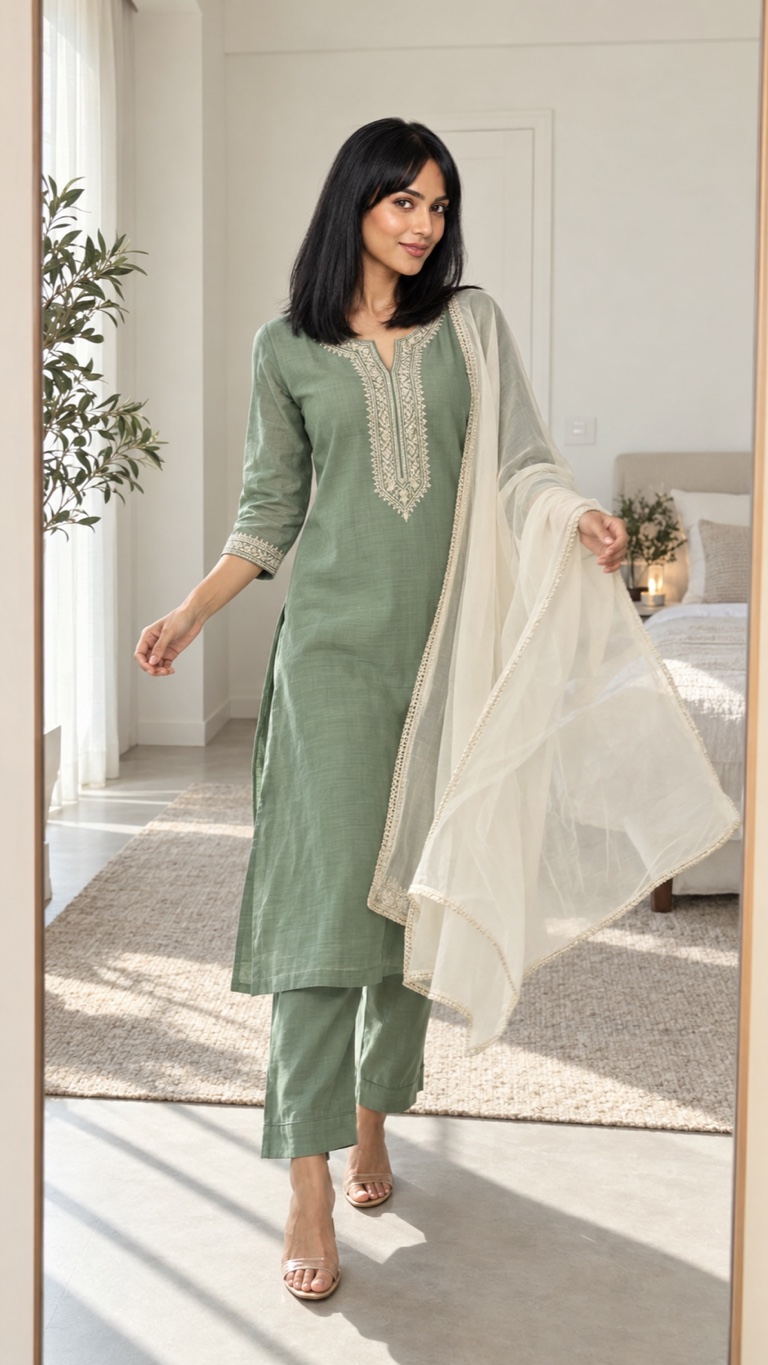
 Fashion
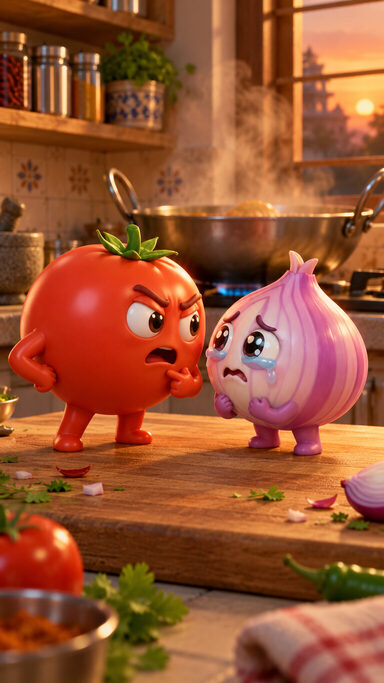 Toon
Toon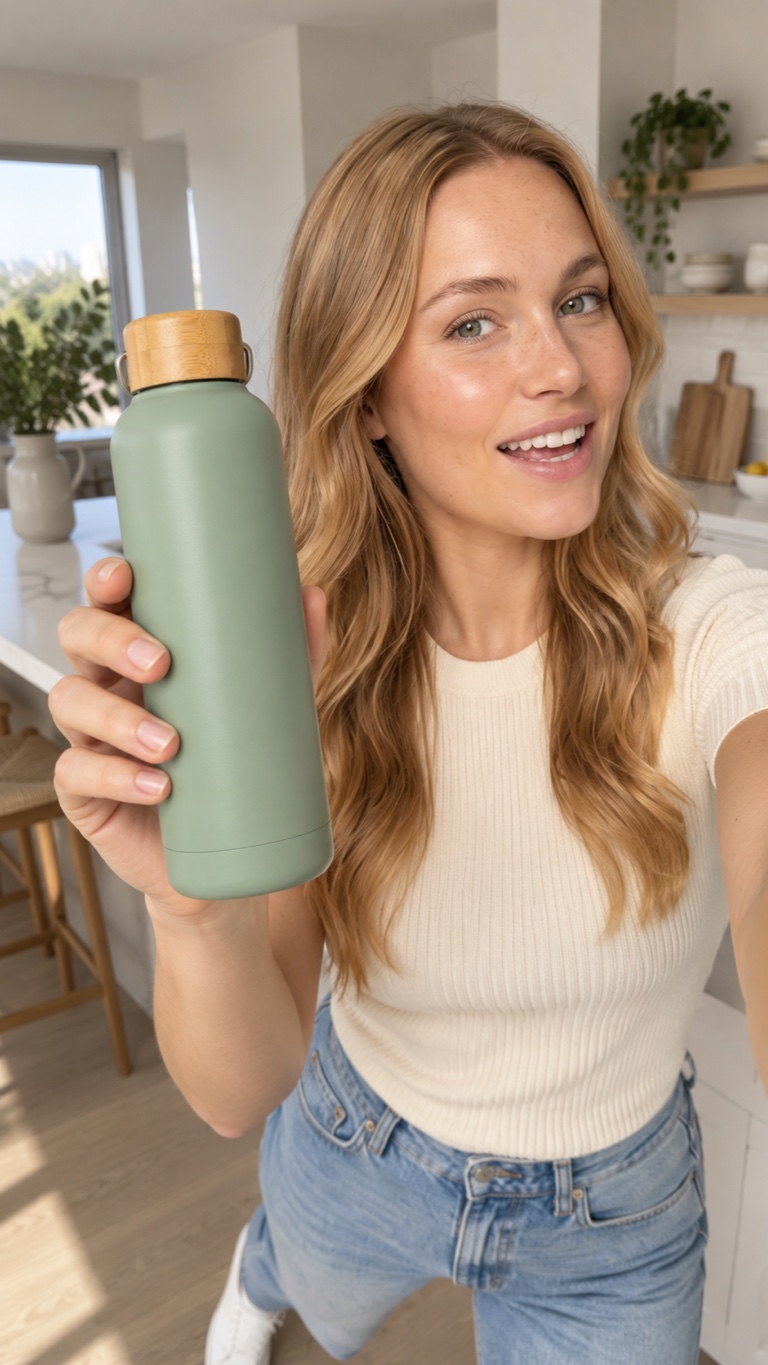 UGC
UGC TV series
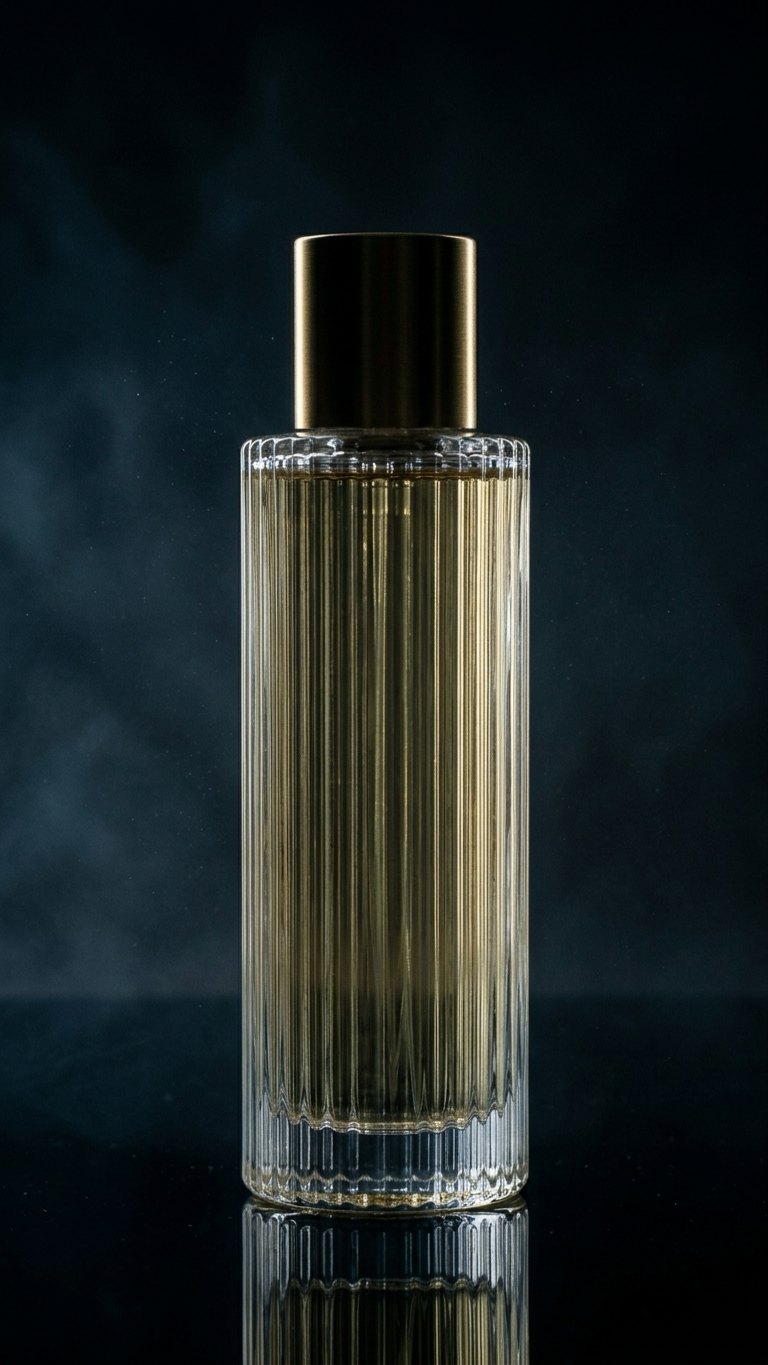 Product Ad
 Get ready with me
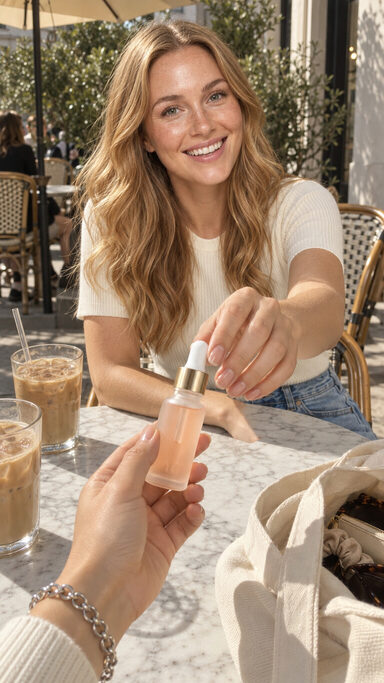 POV skit
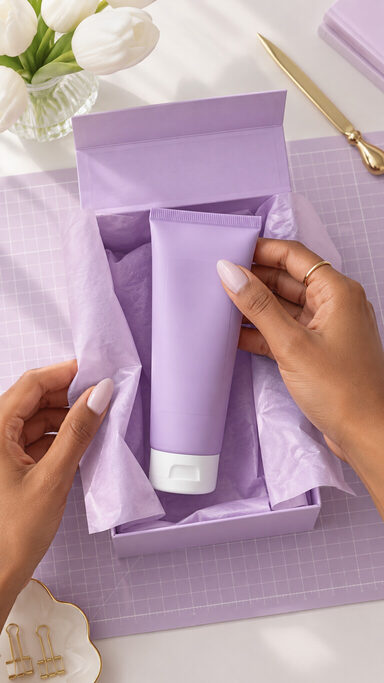 ASMR unboxing
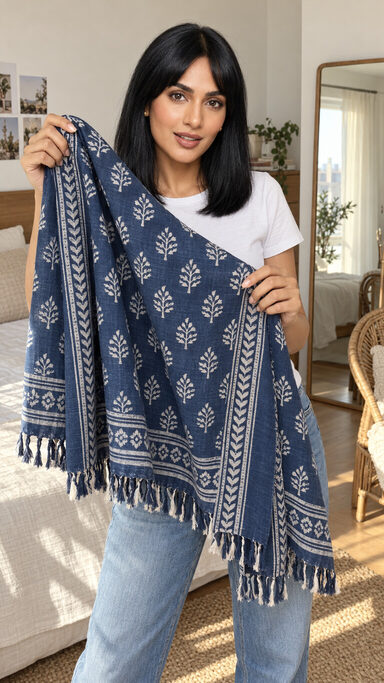 Ways to wear
 Colour takeover
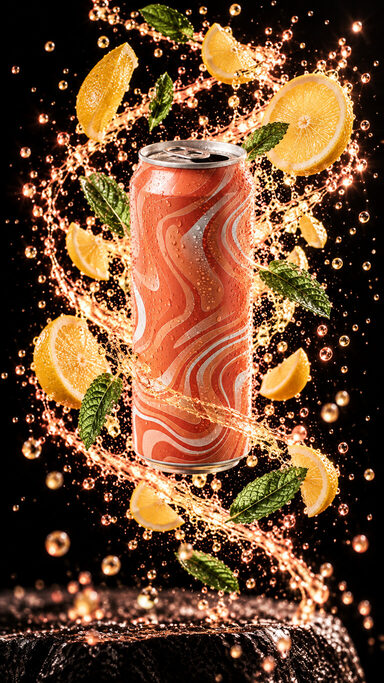 Ingredient burst
 CGI billboard
 Miniature world
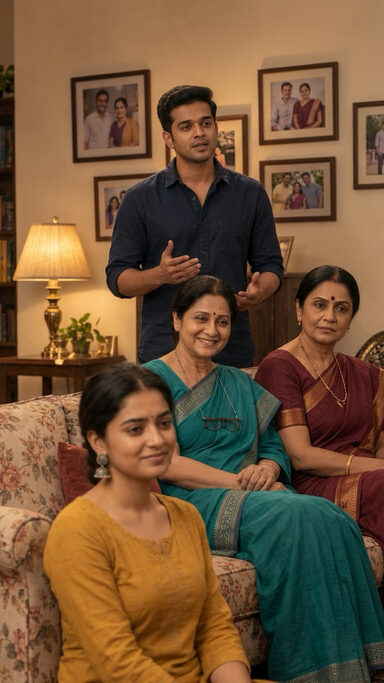 Family drama
 Romance micro-drama
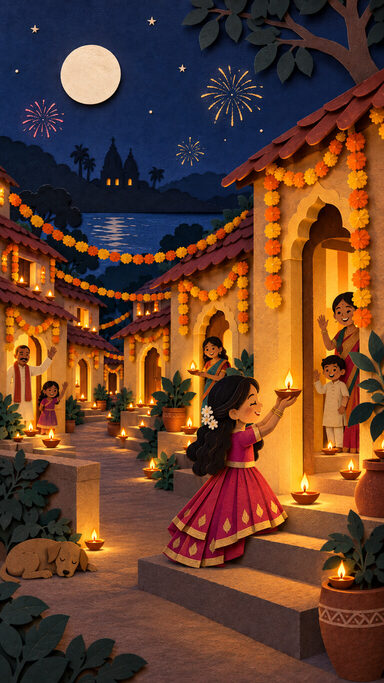 Papercut storybook
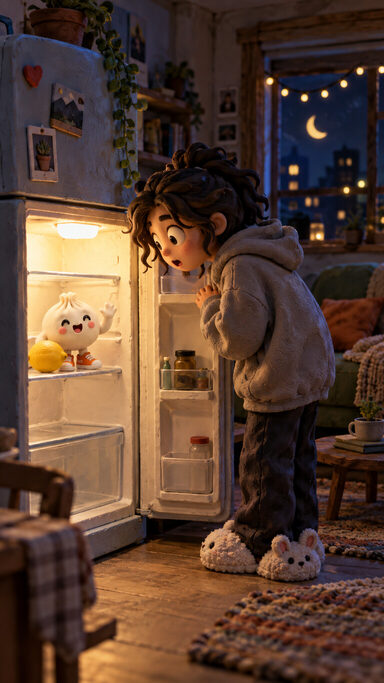 Brand mascot
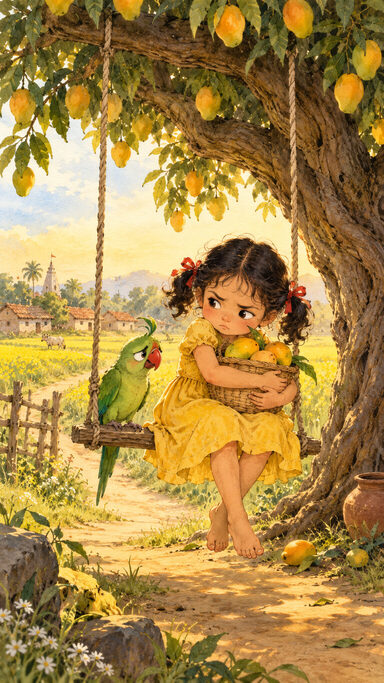 Watercolour fable
Scout Editor
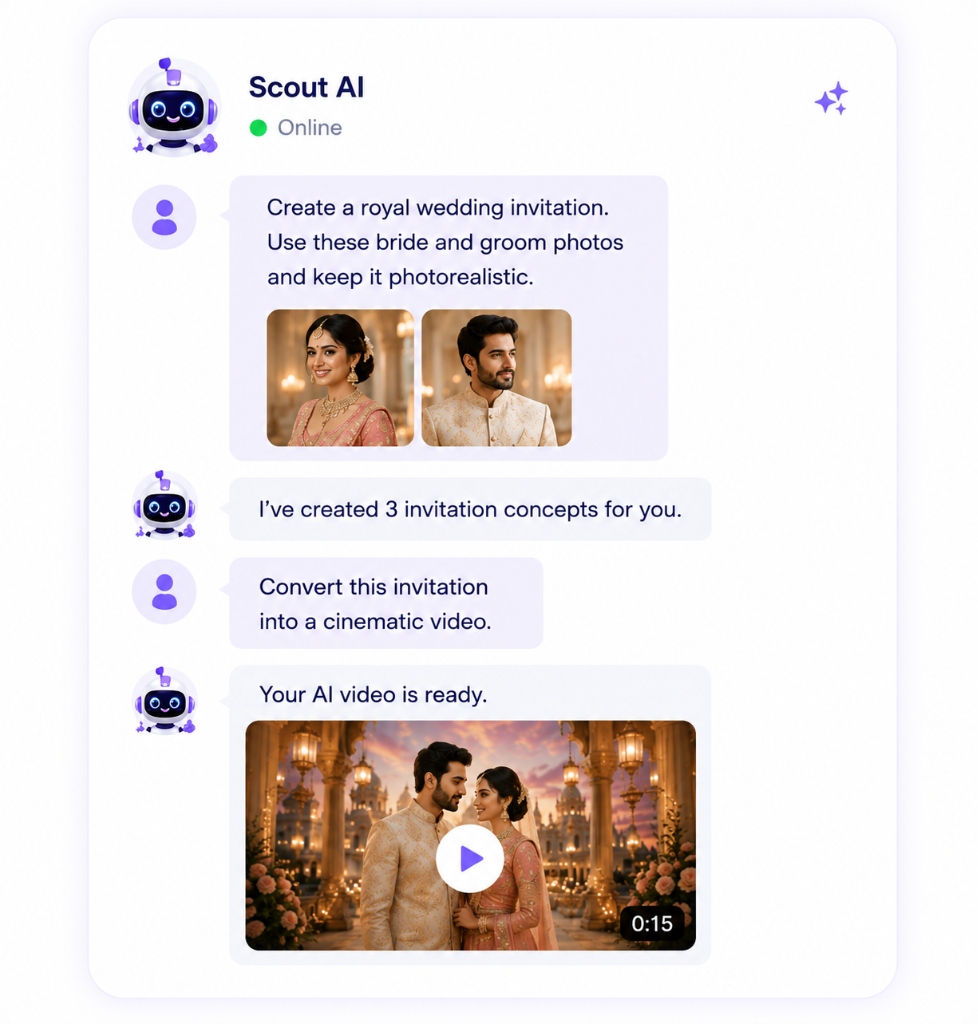
Chat to create and edit.
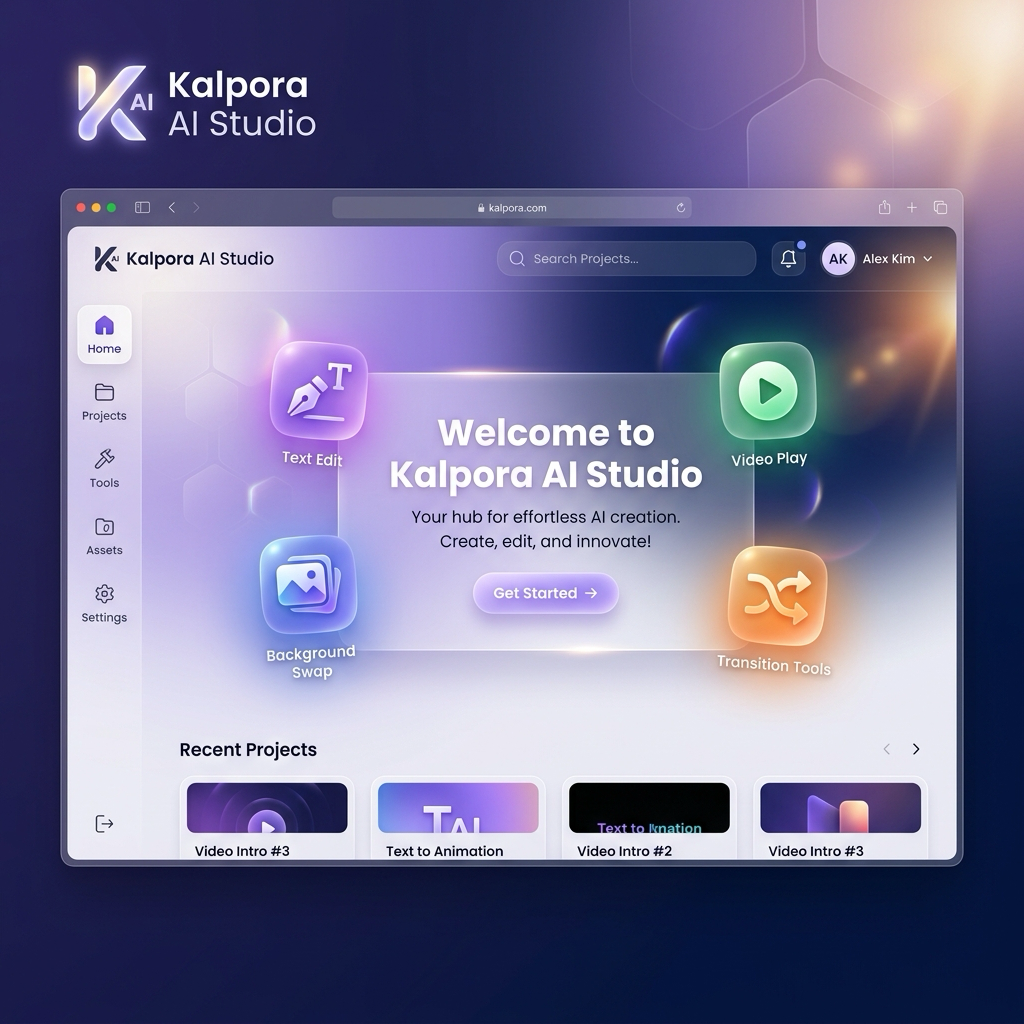
Describe your idea in plain language. Work with Scout to create visuals and refine your design in the editor.
Start free with 100 credits
AI-generated examples · choose a direction to start your brief.
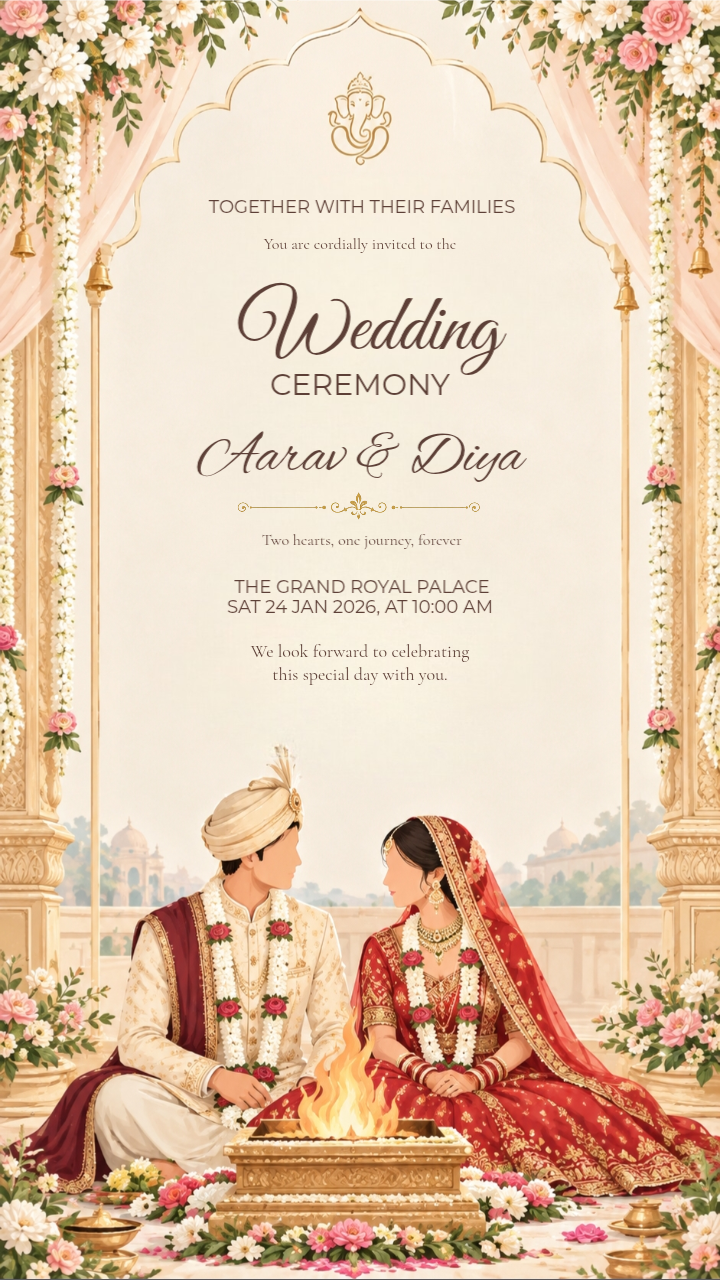
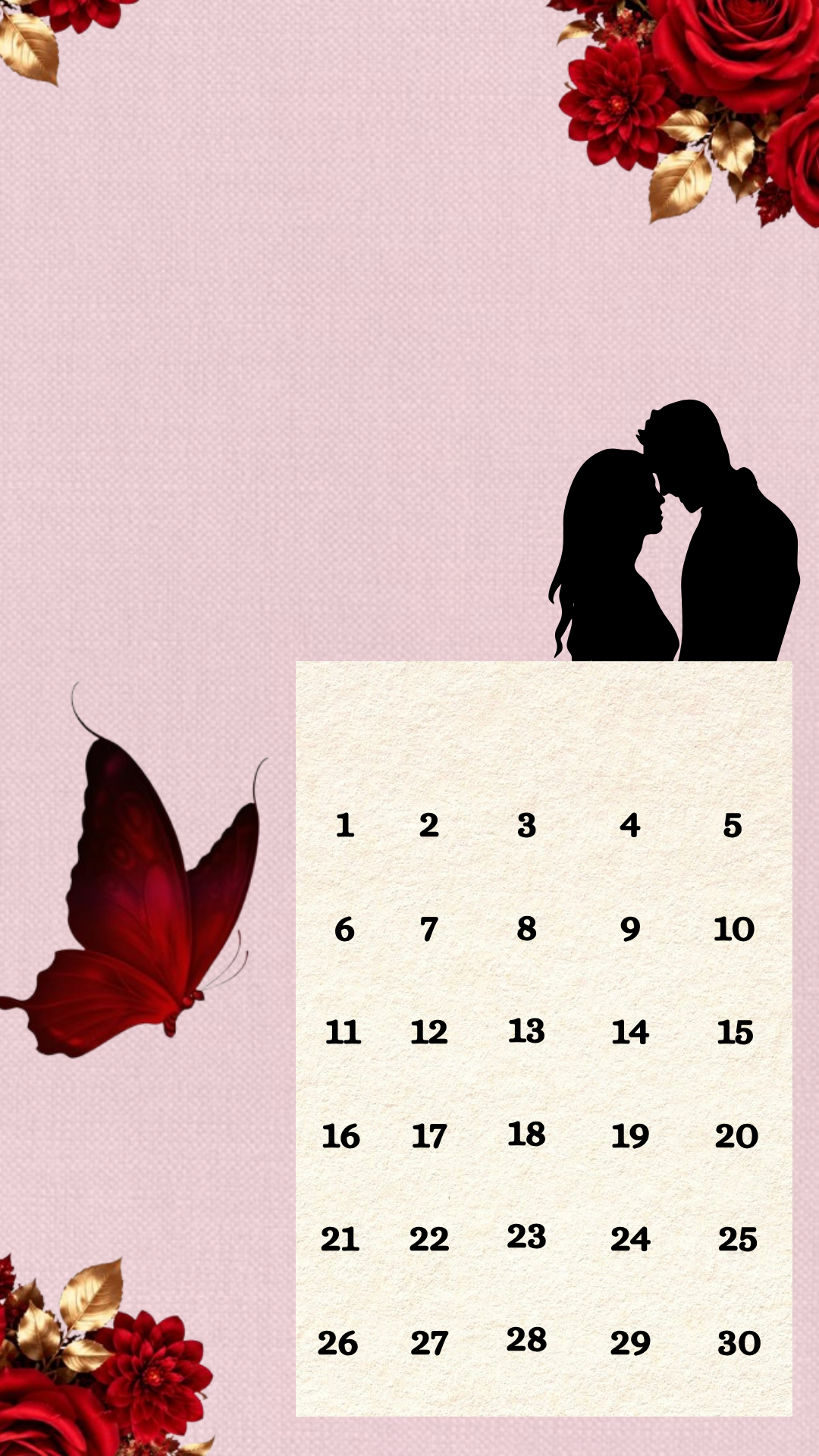
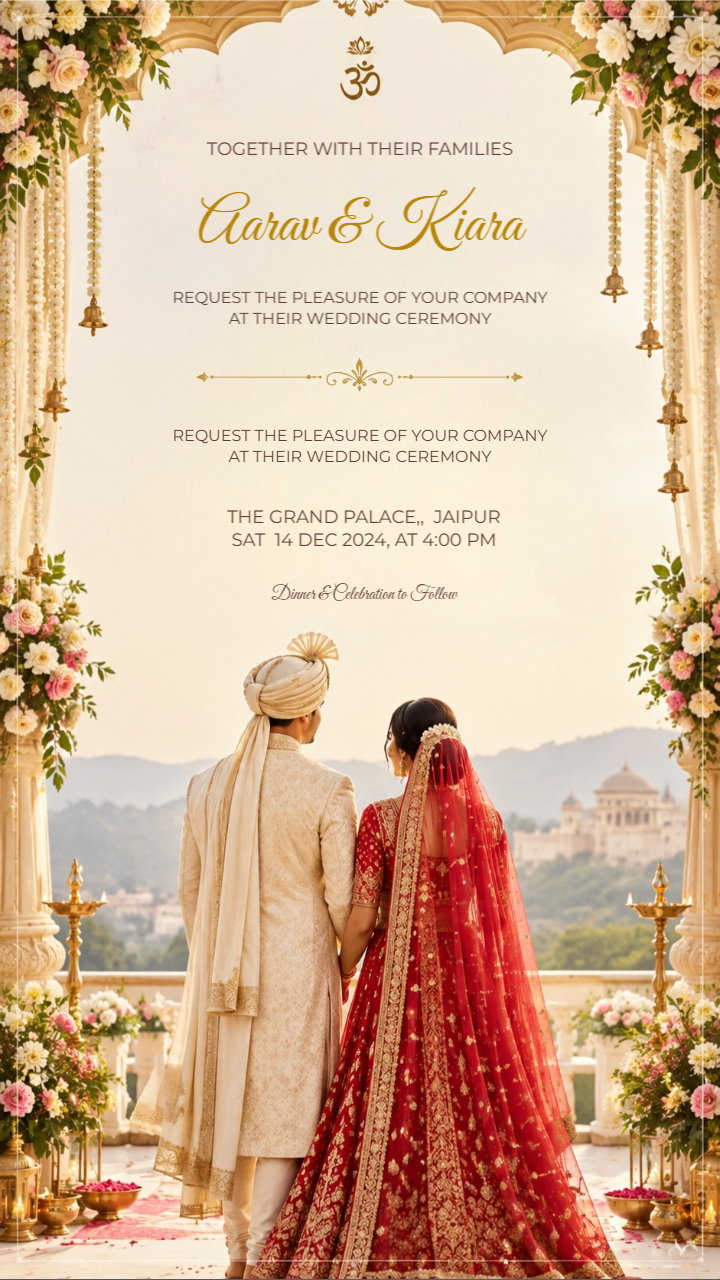
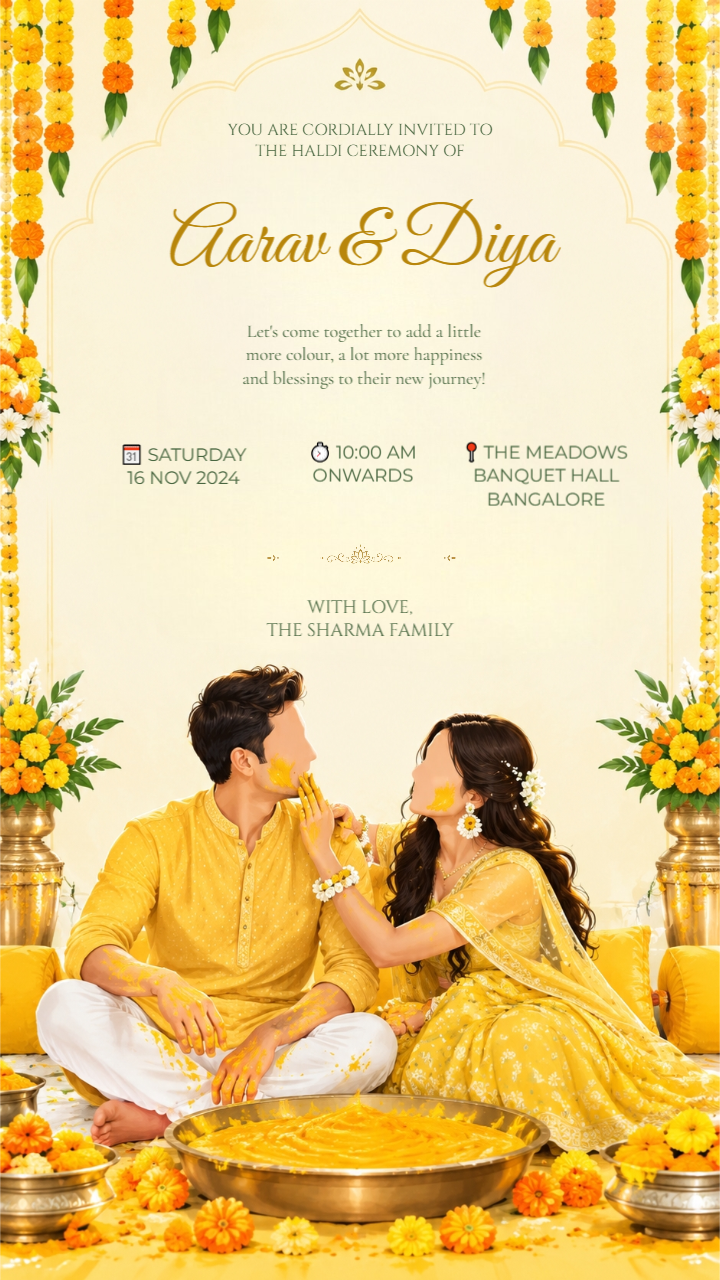
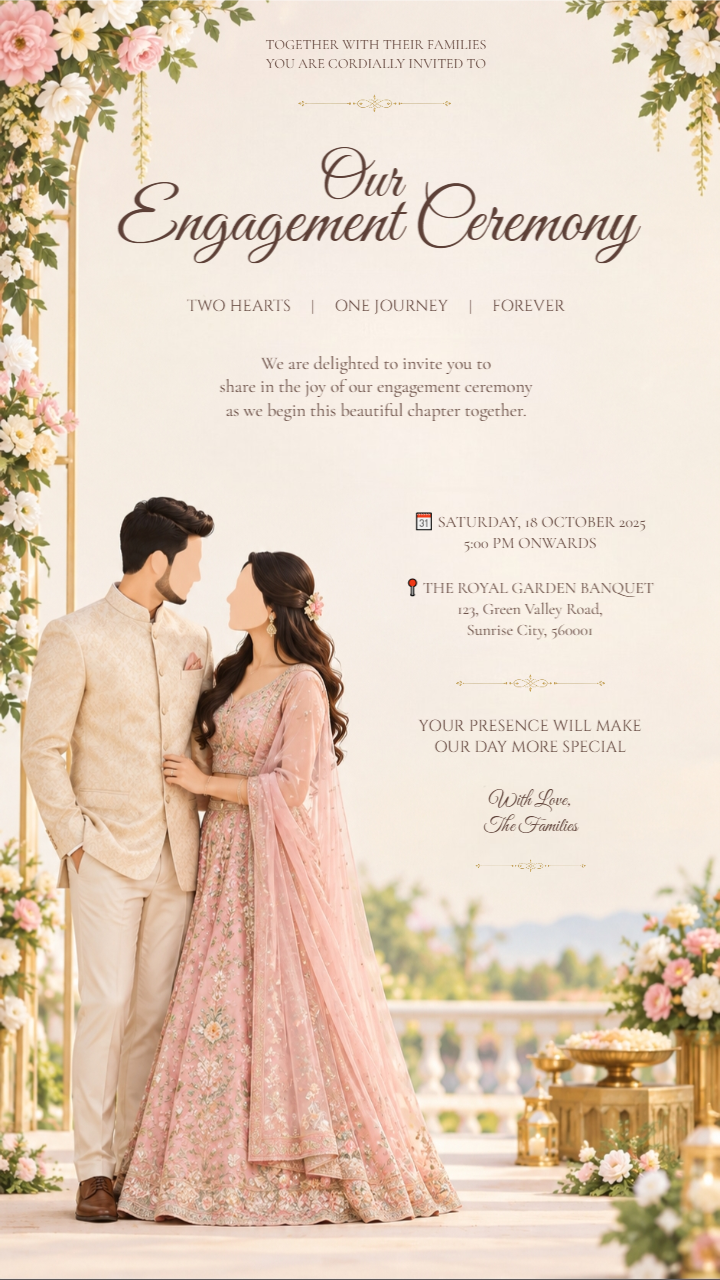
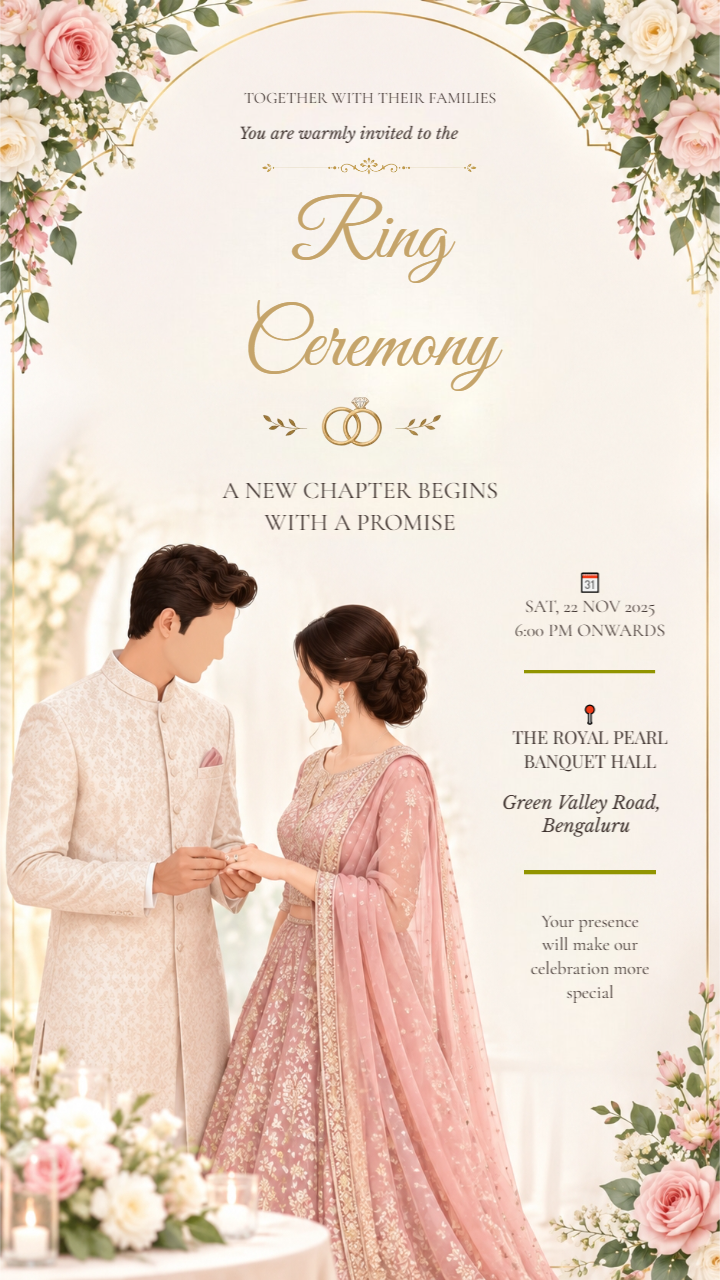
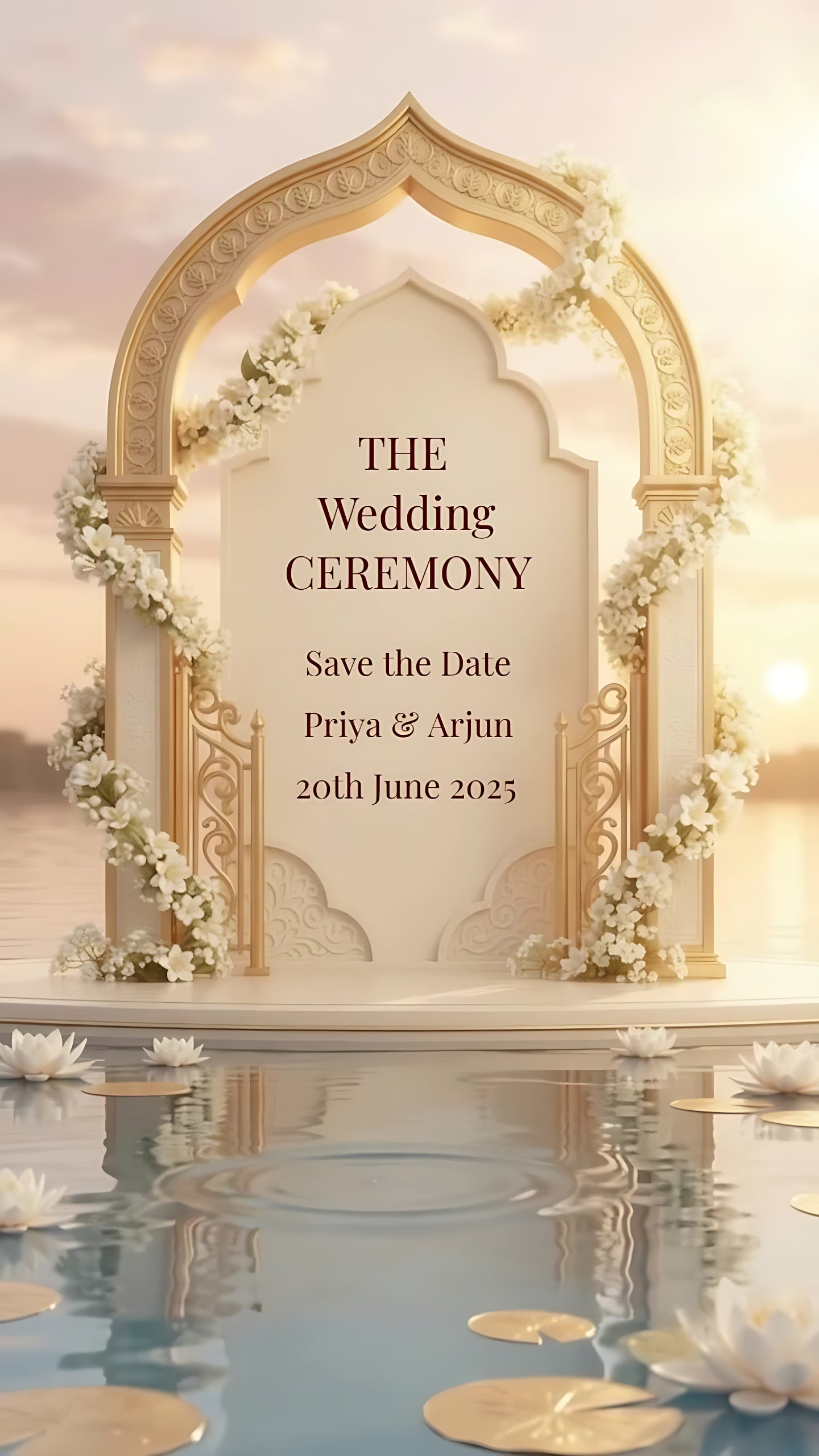
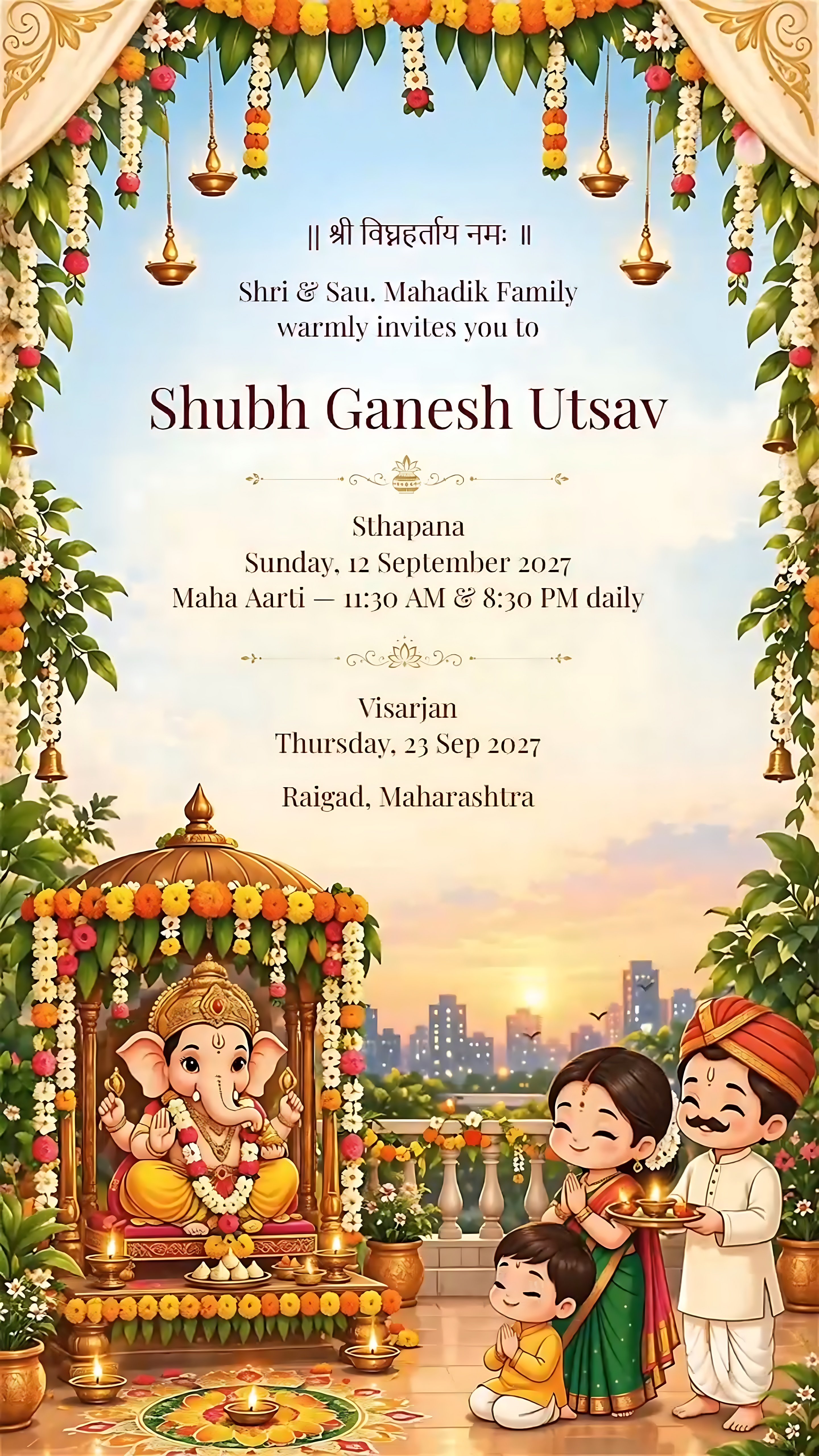
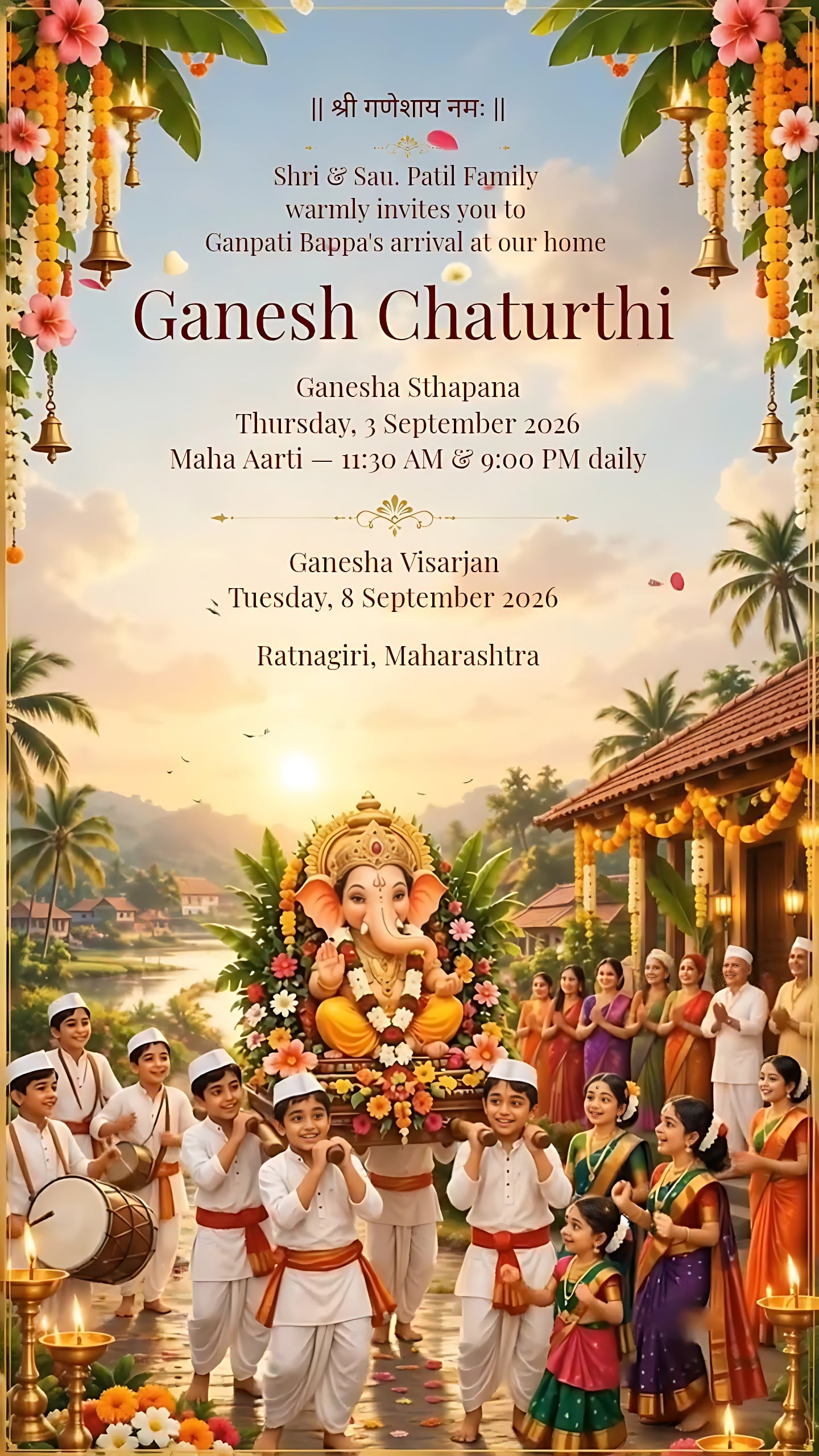
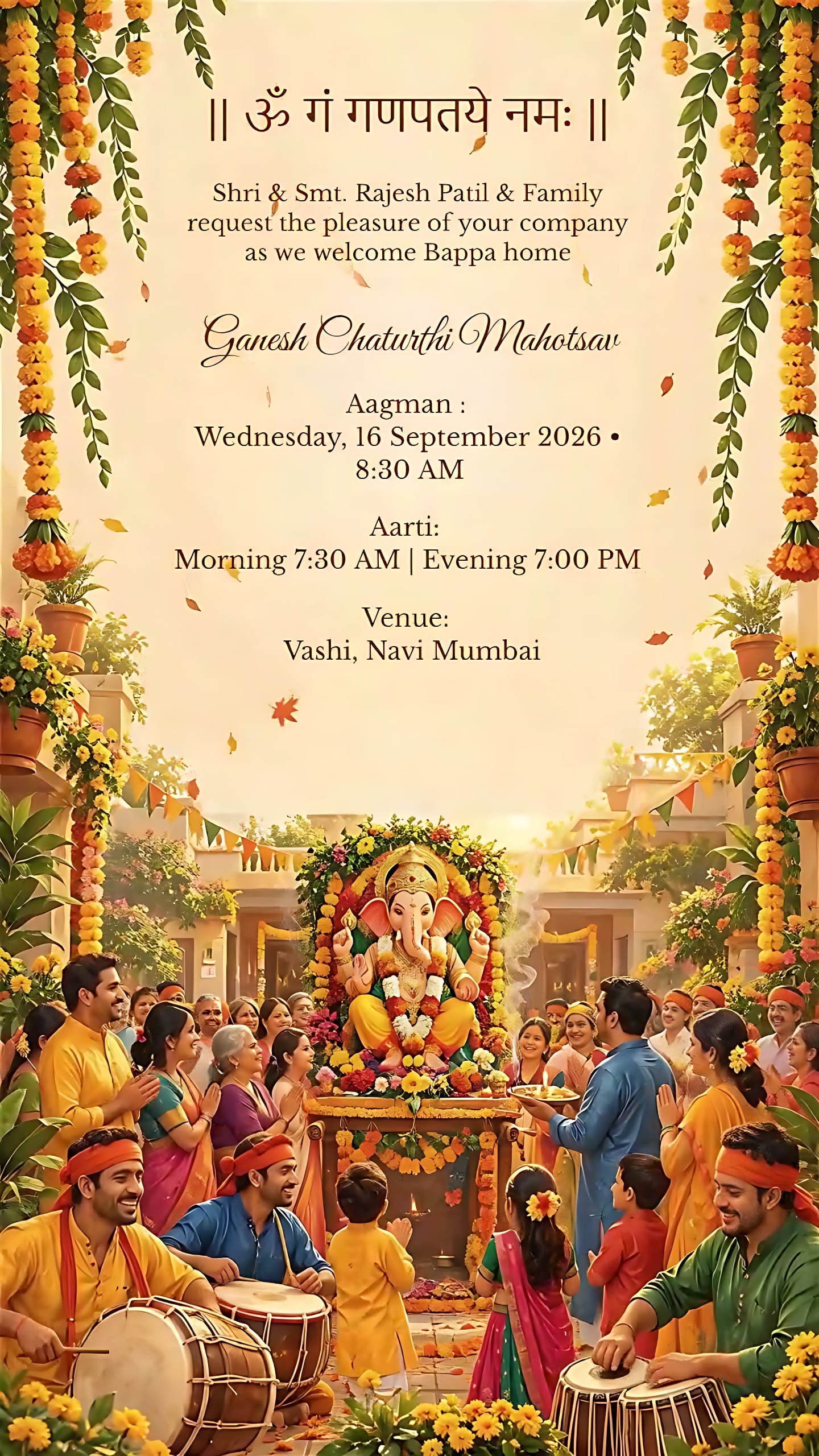
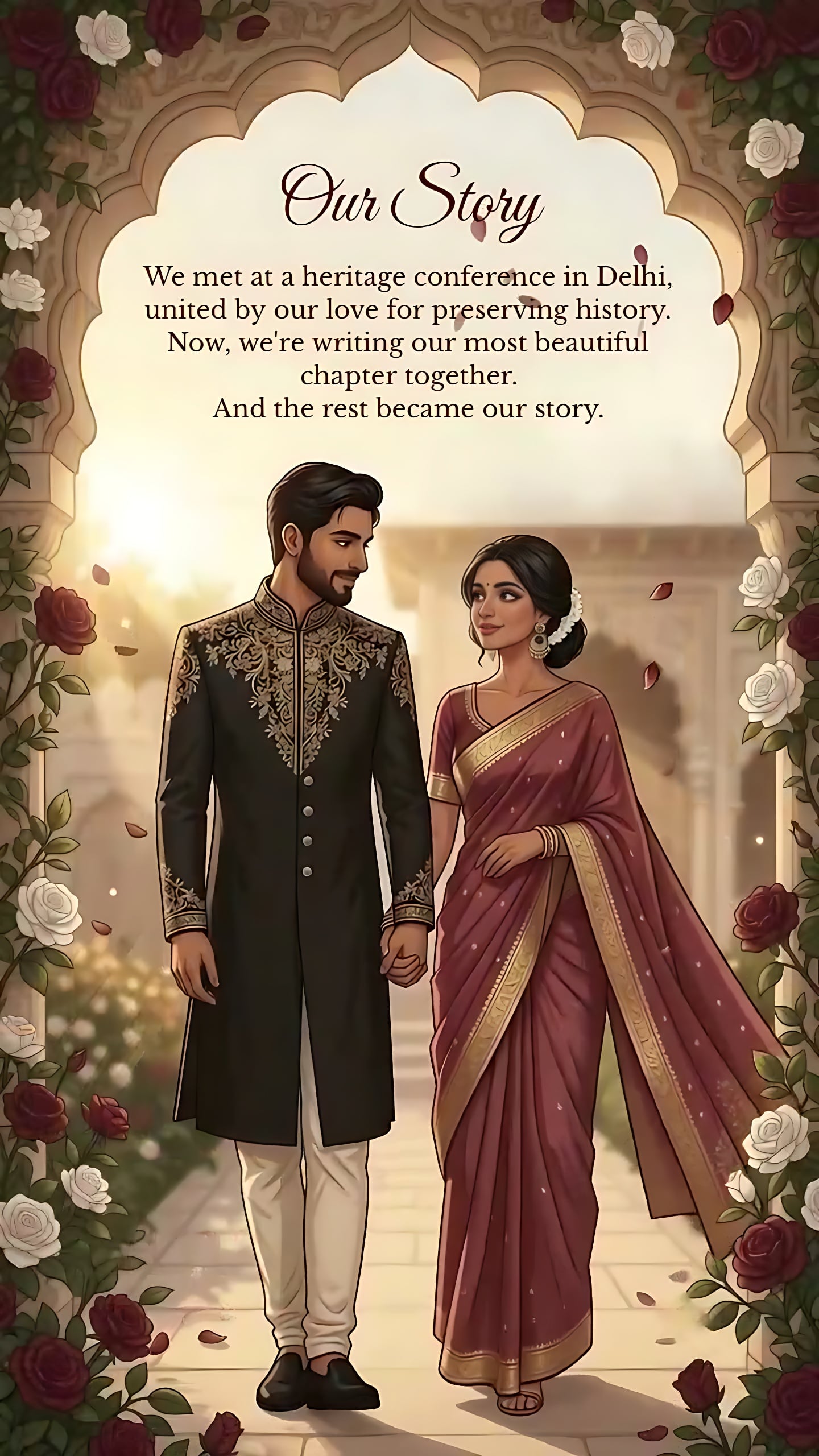
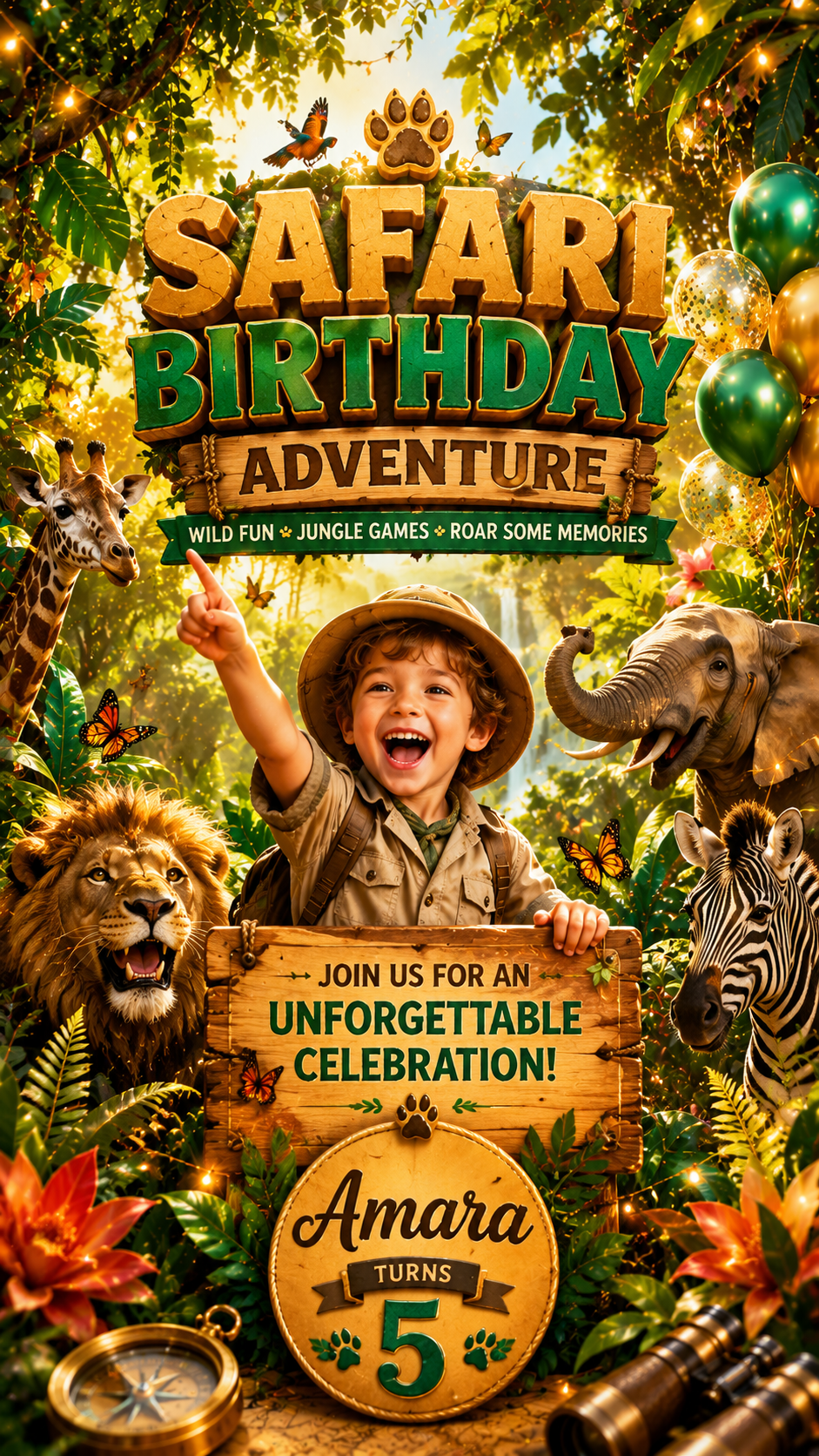
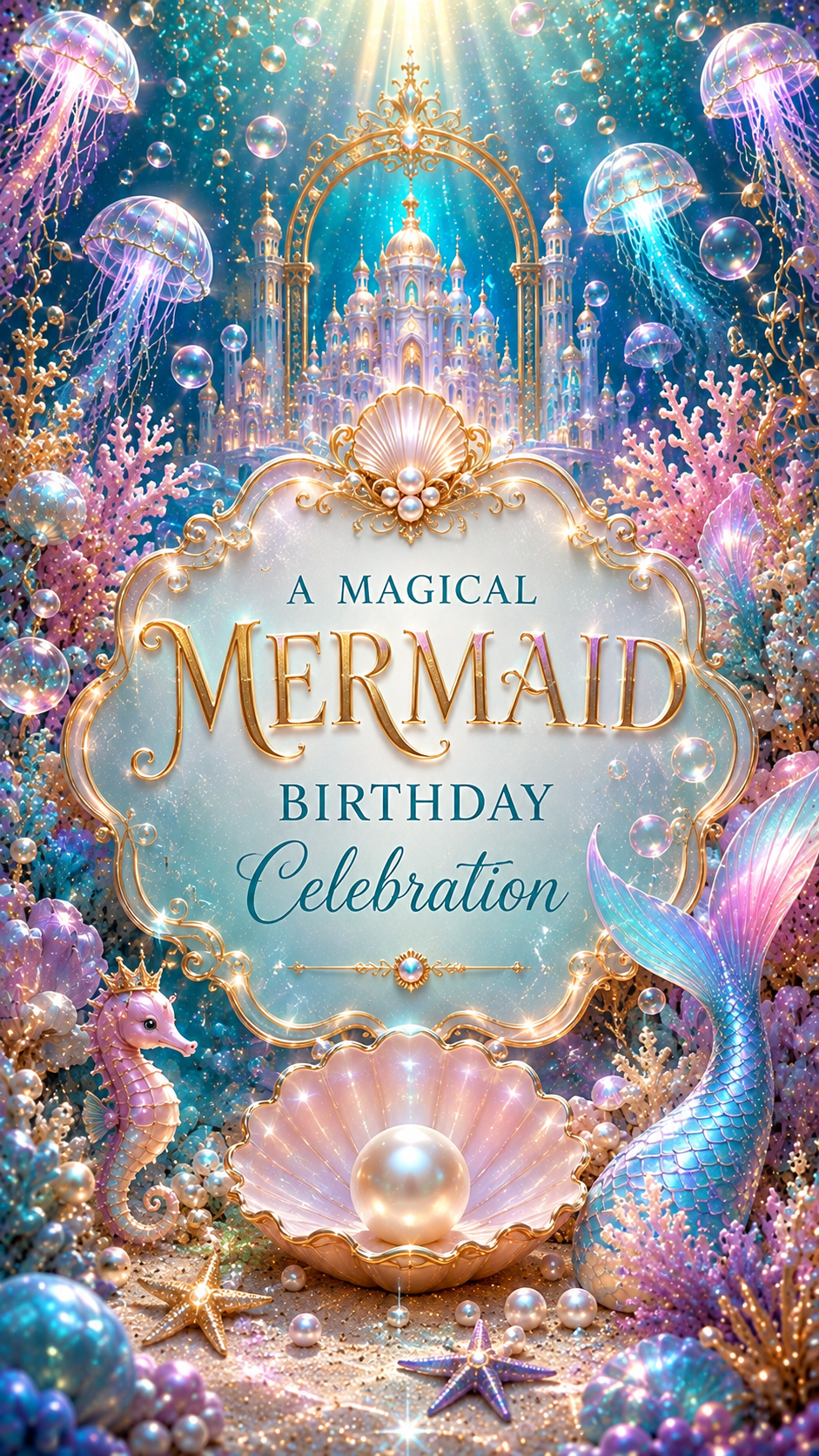
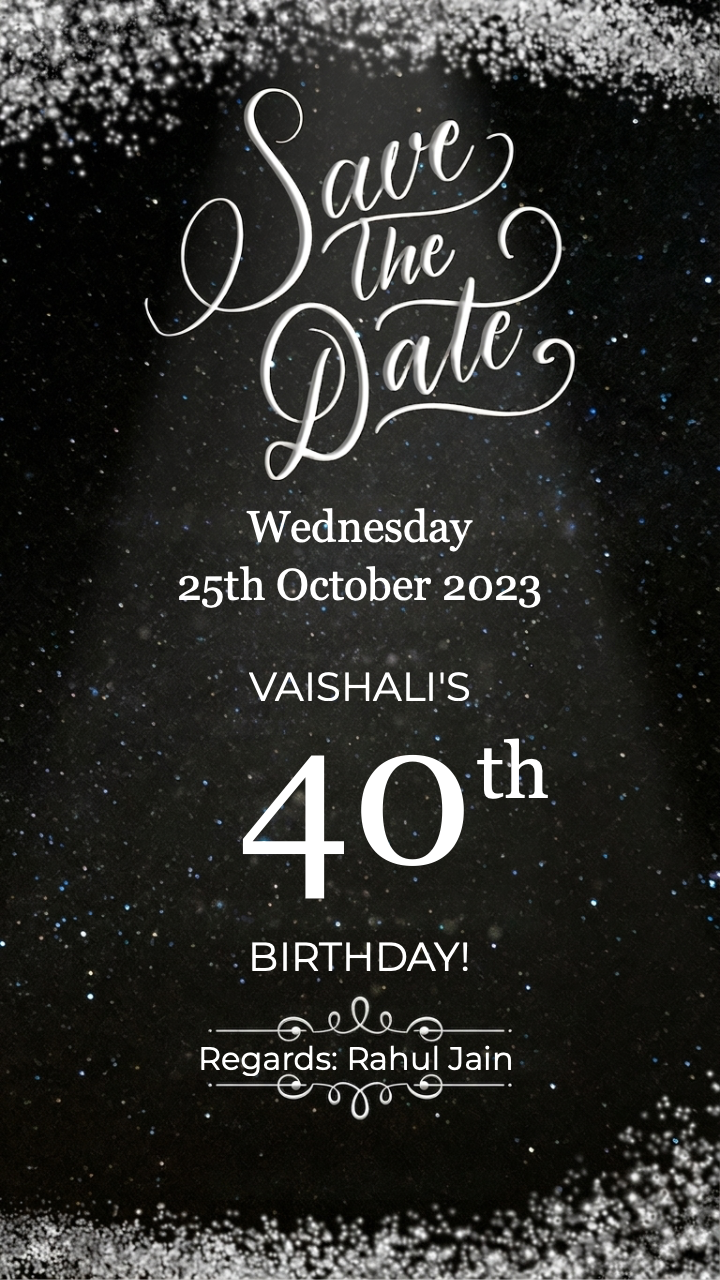
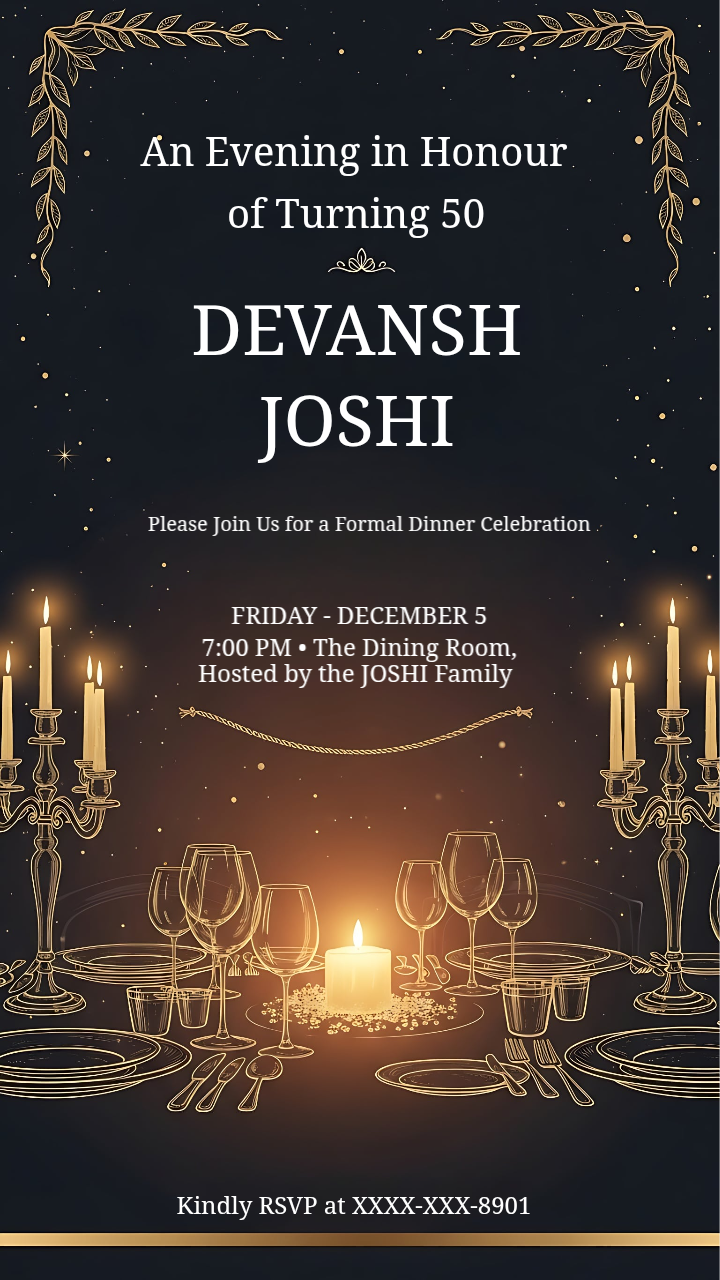
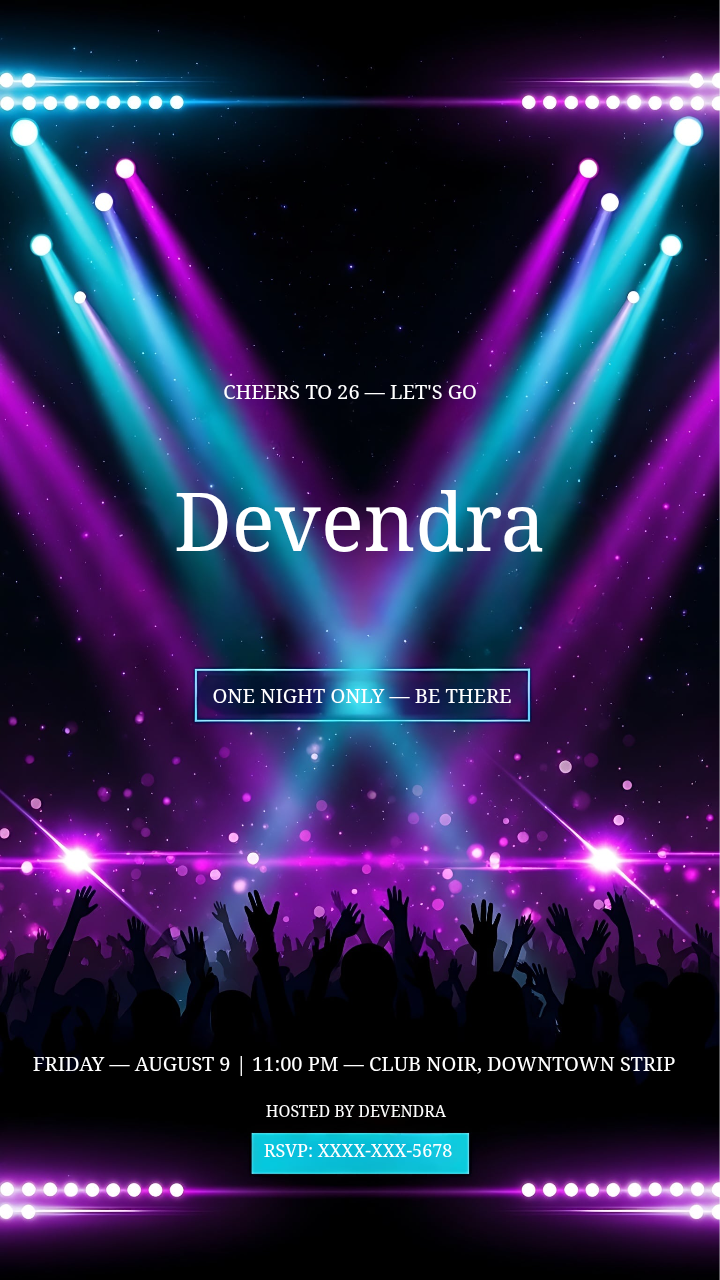
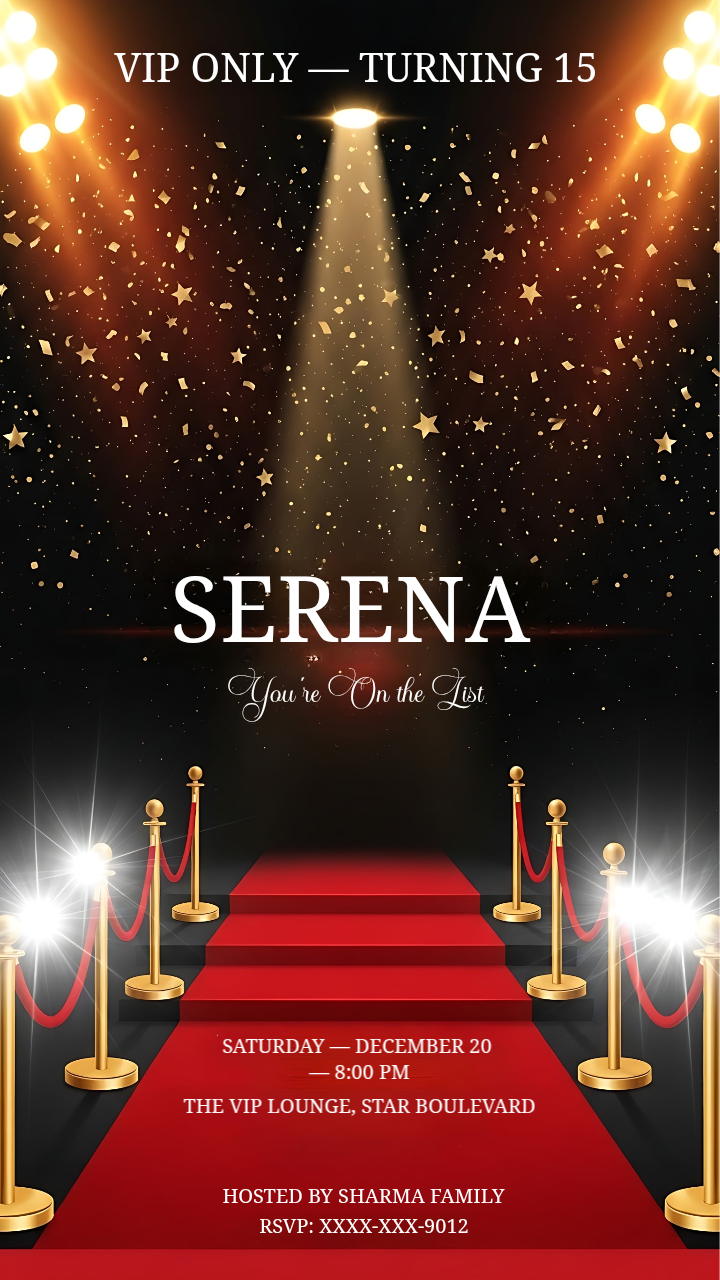
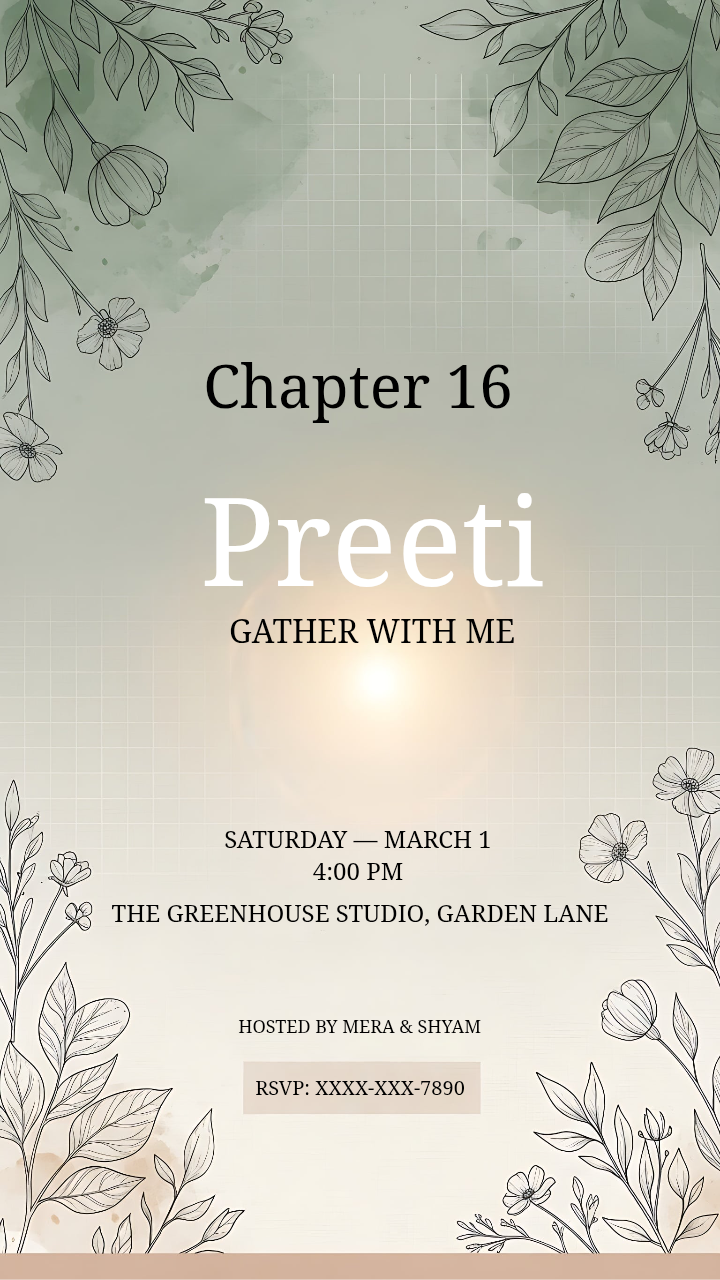
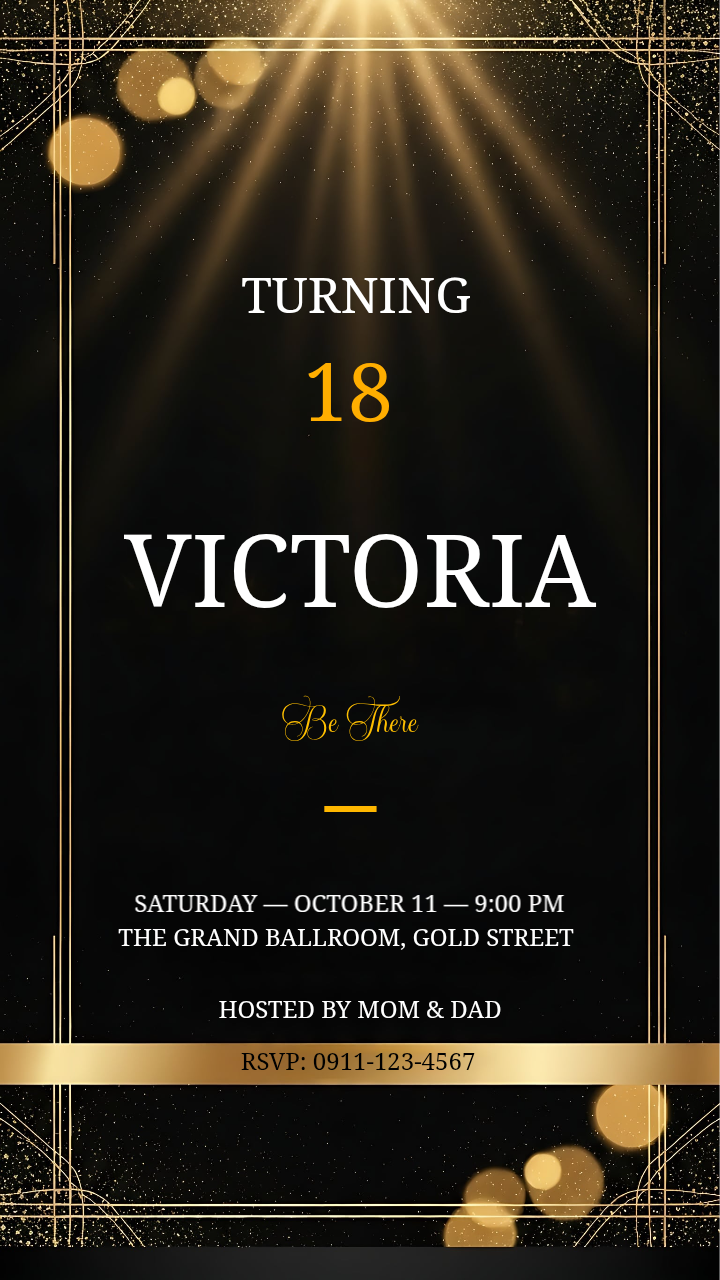
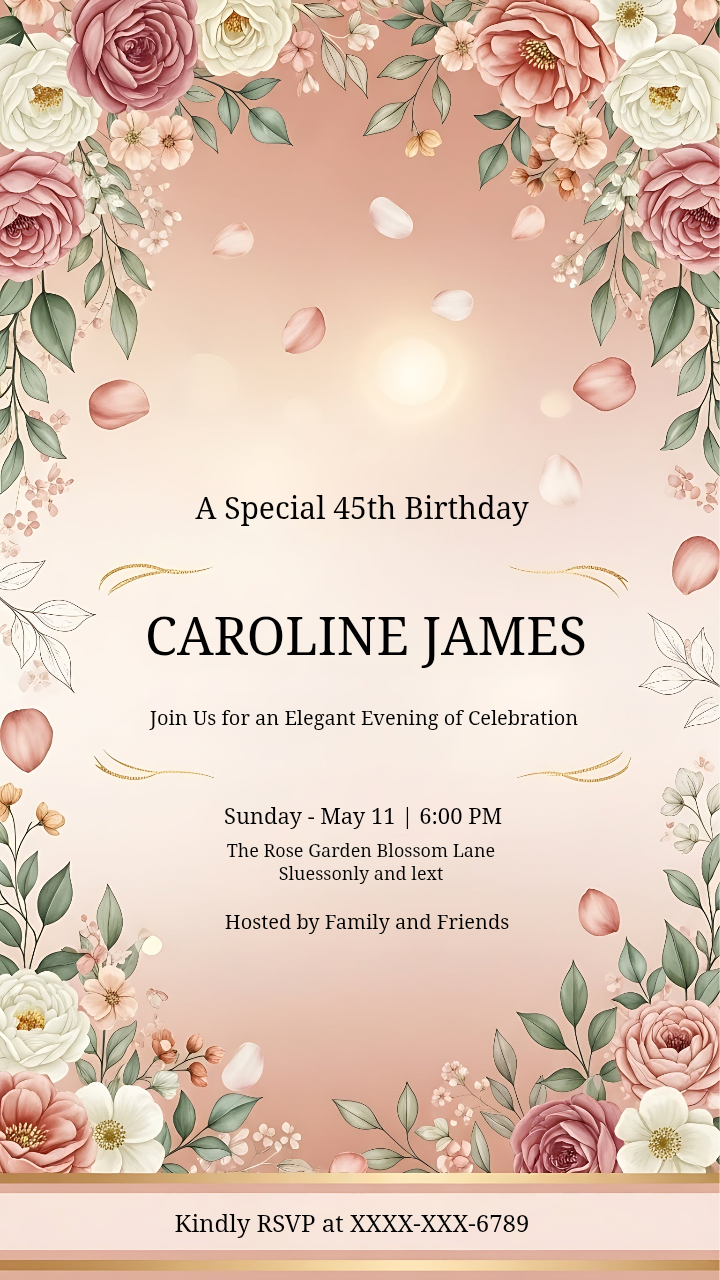
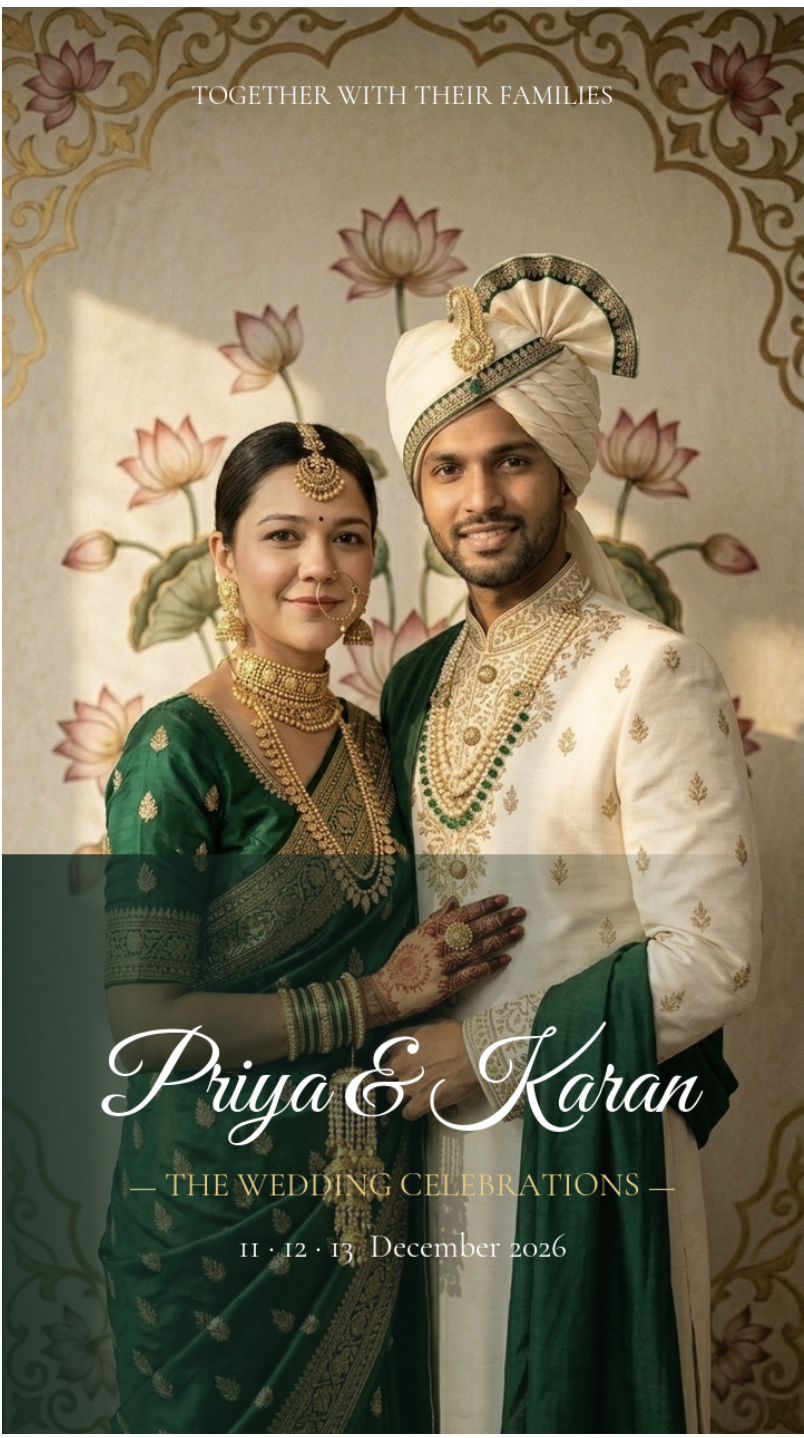
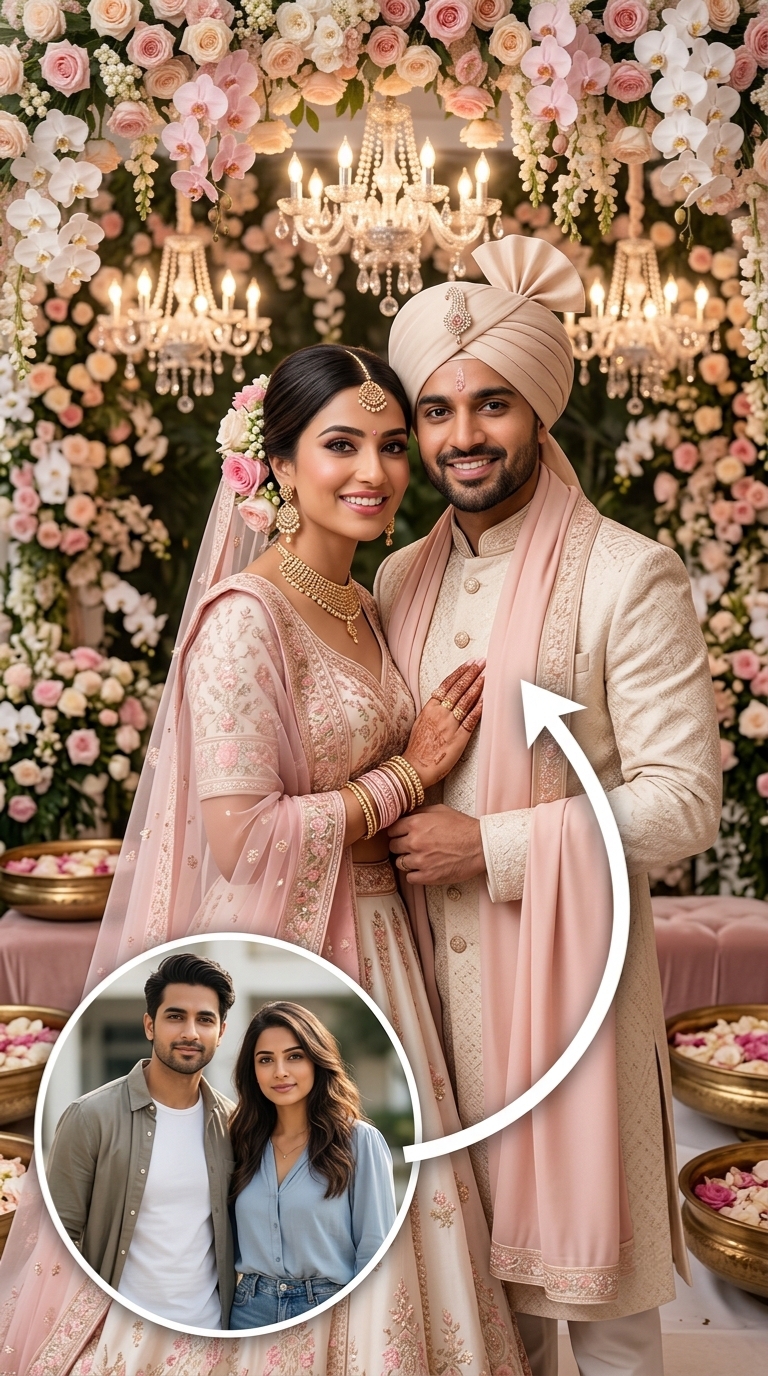
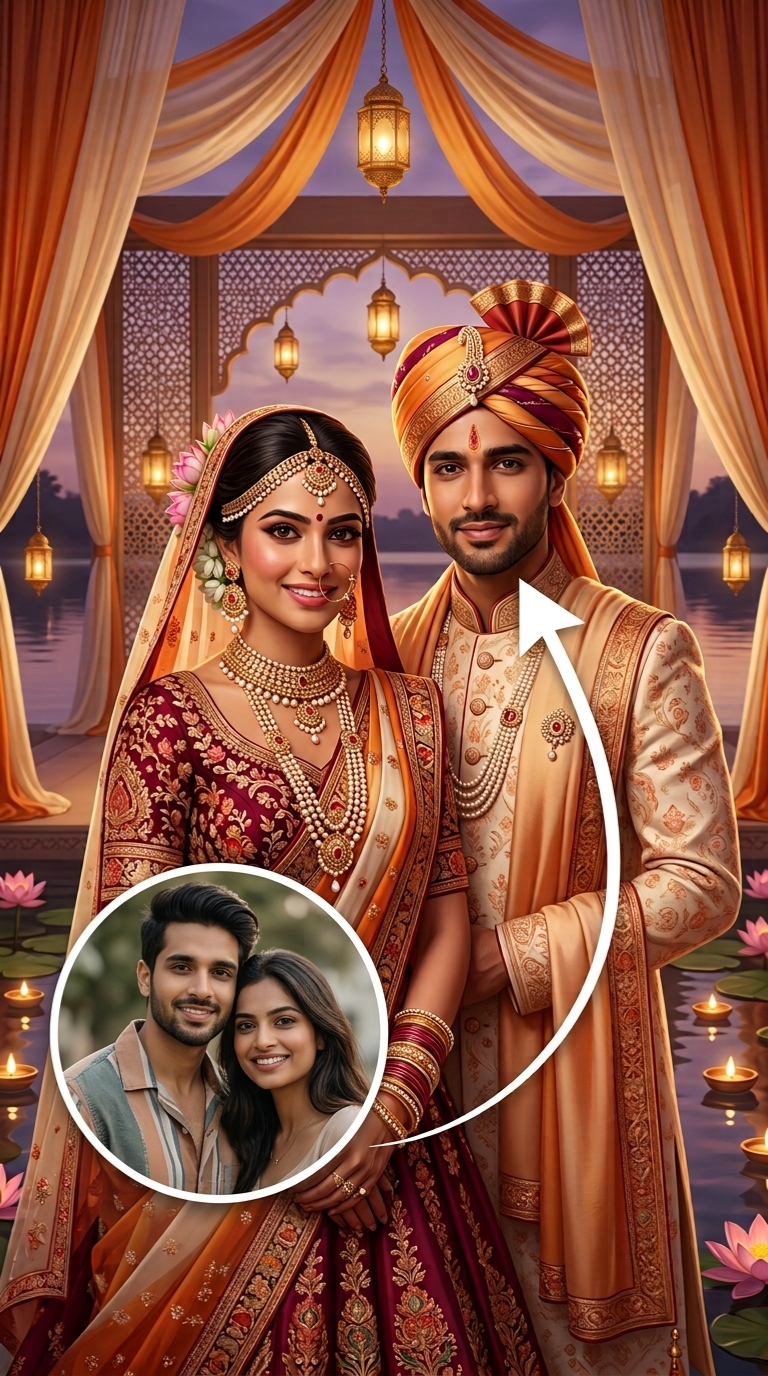
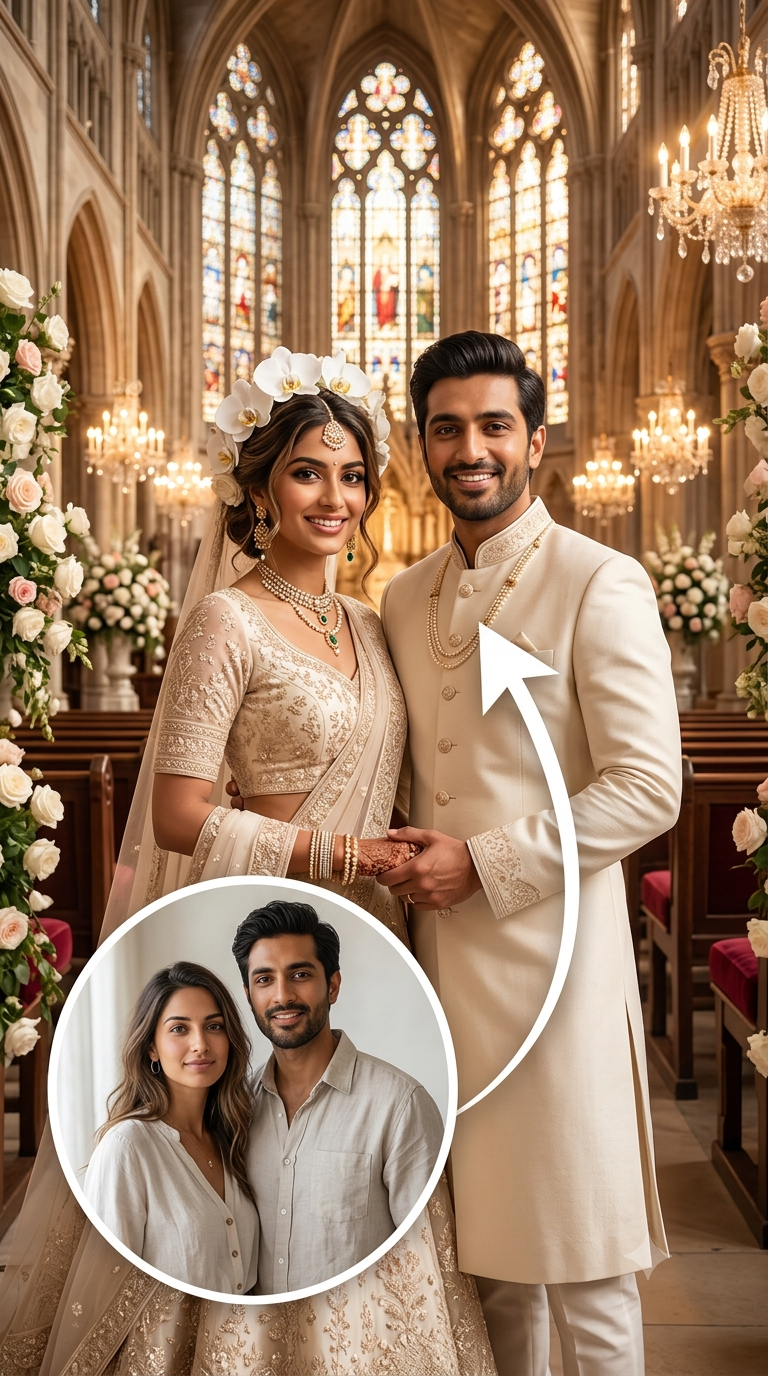
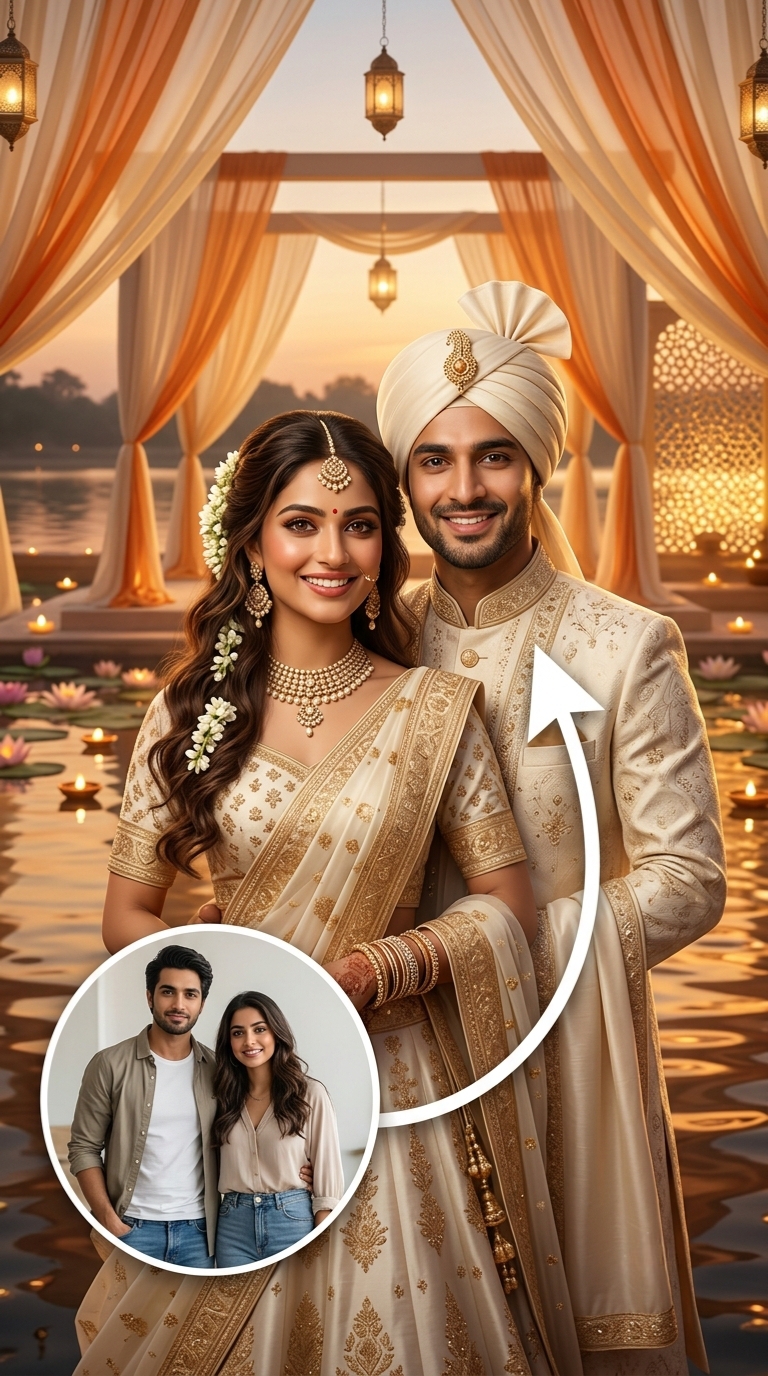
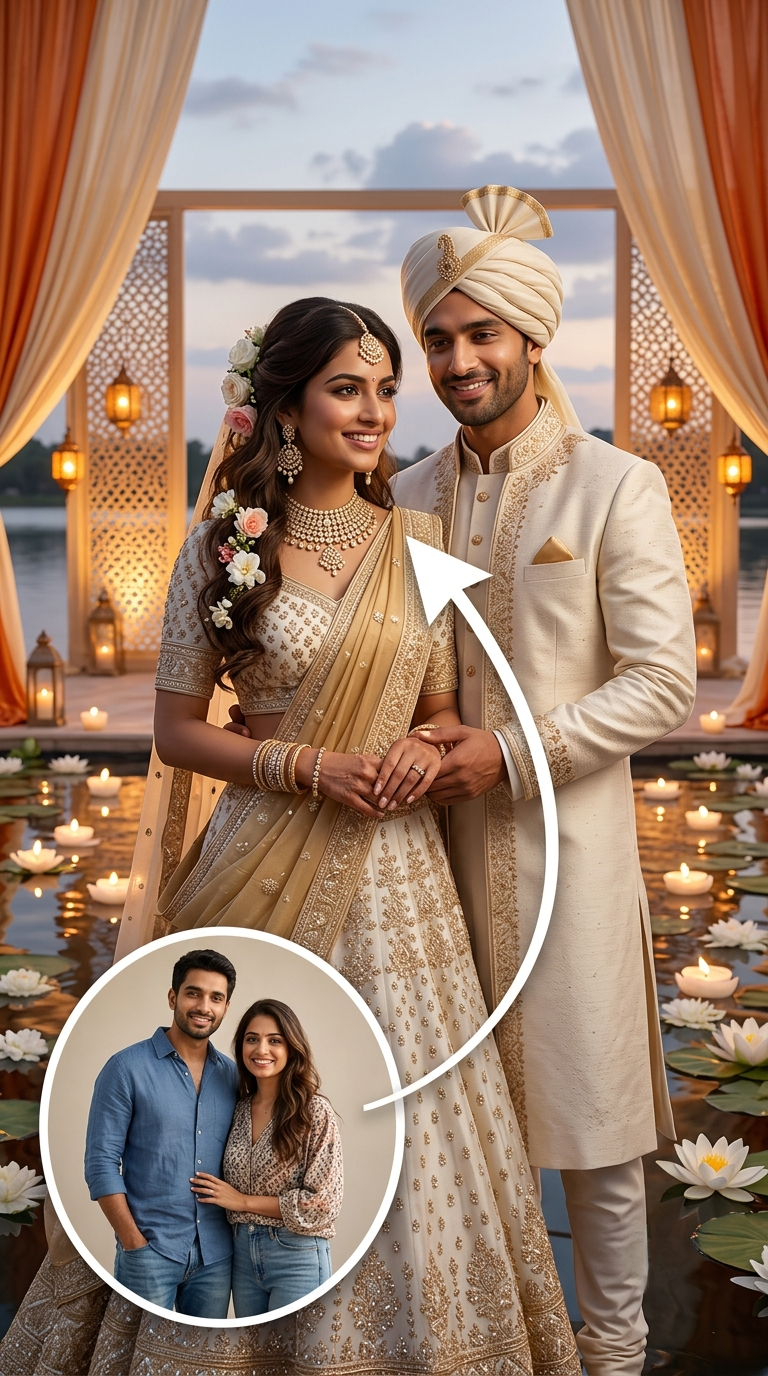
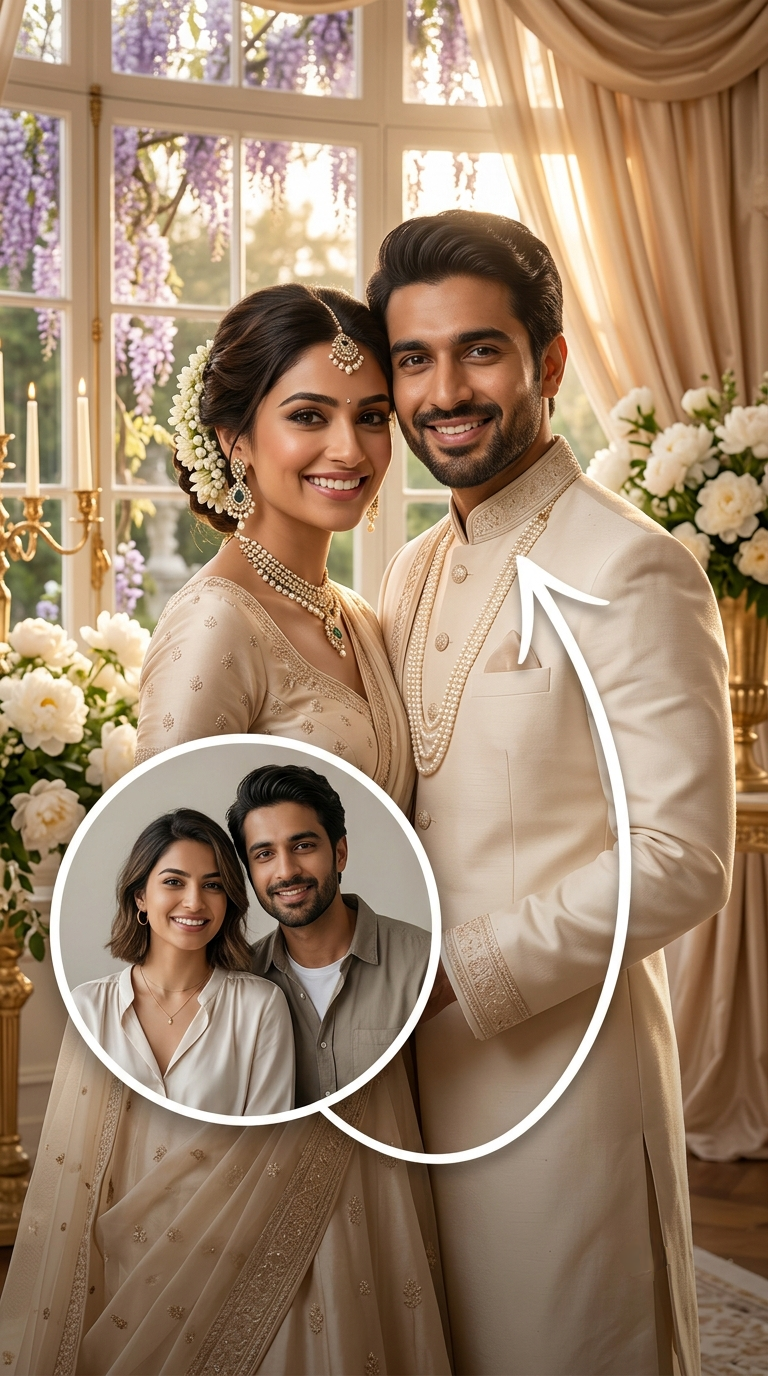
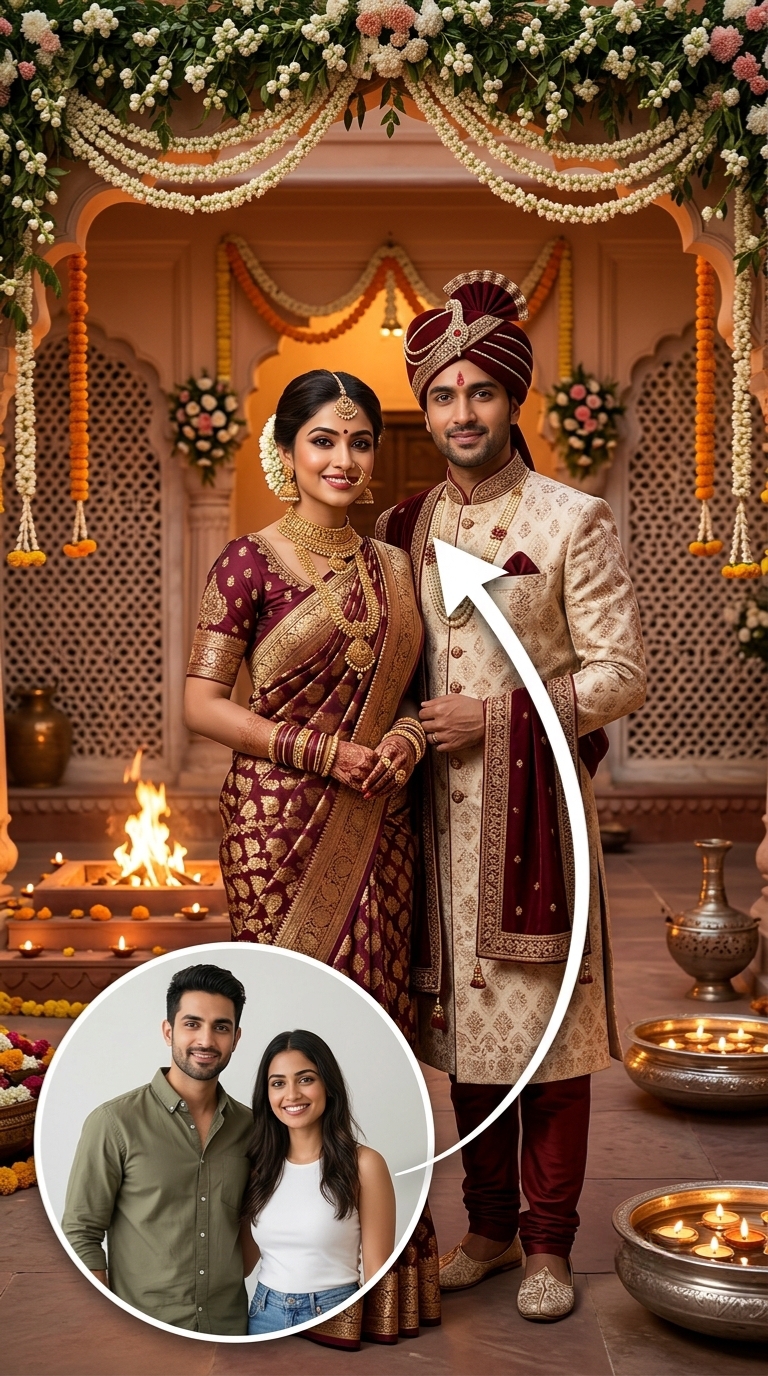
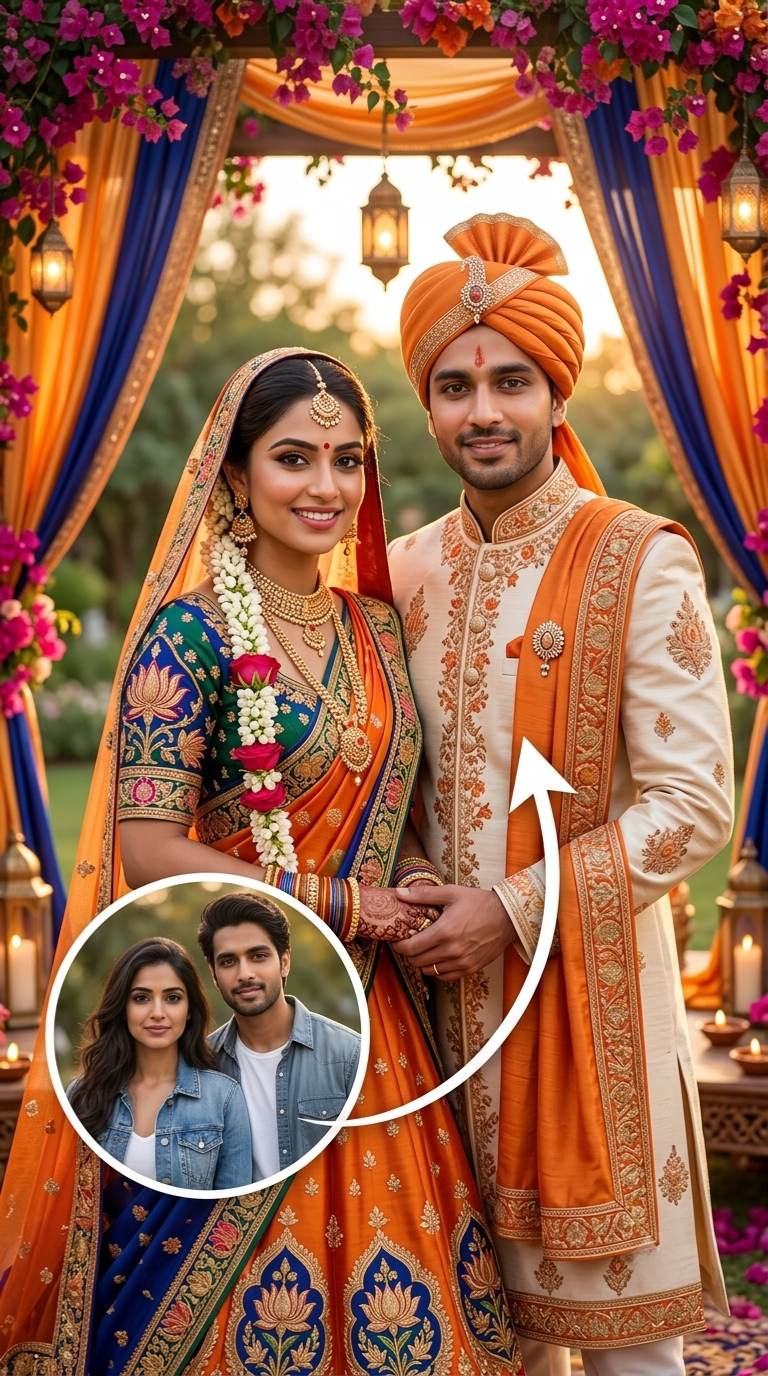
Wedding, birthday, and Magic Invite templates. Pick one and make it yours.

.png)
.png)
.png)
 AI powered
 AI powered
 AI powered
 AI powered
 AI powered
 AI powered
 AI powered
 AI powered
 AI powered
 AI powered
 AI powered
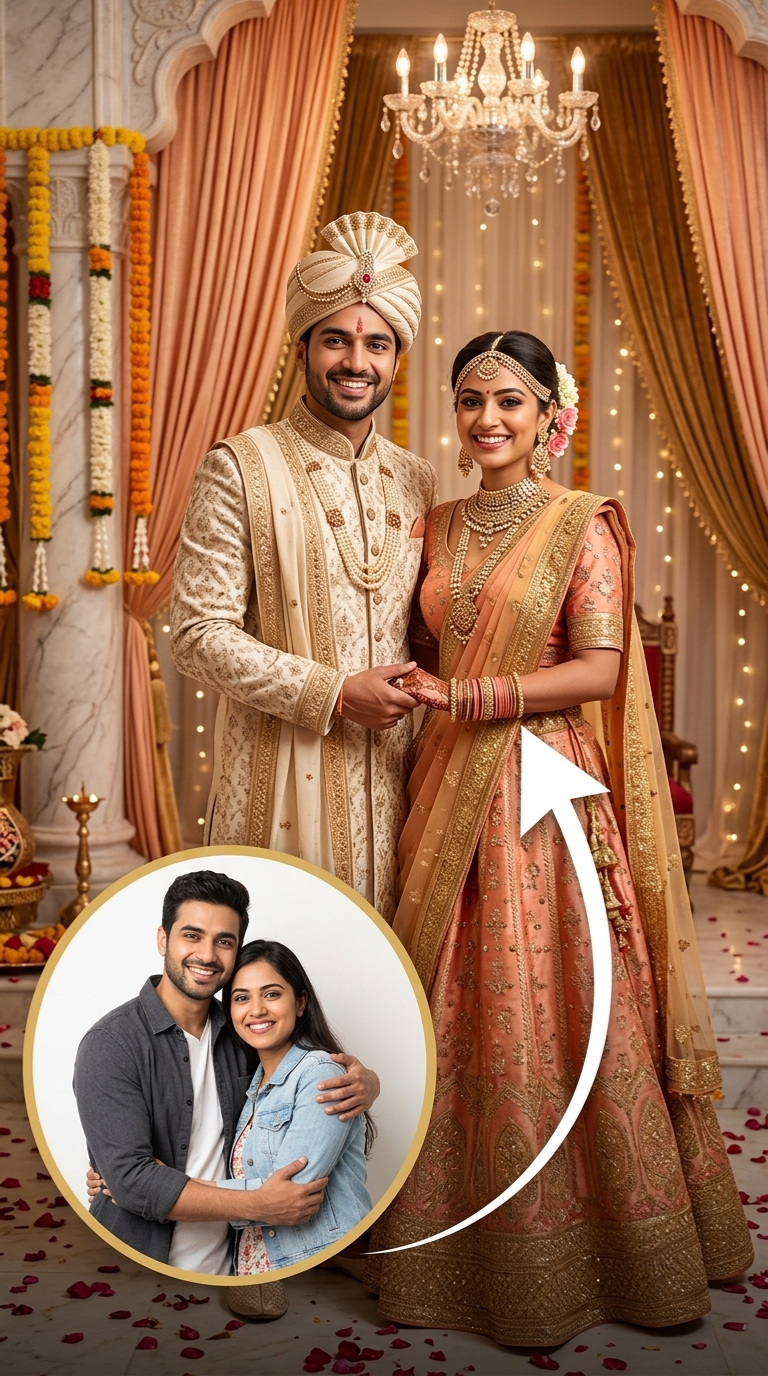 AI powered
You can still browse the full template collection.
For businesses
Set up your business once. After that, your agent works with you in a WhatsApp chat.
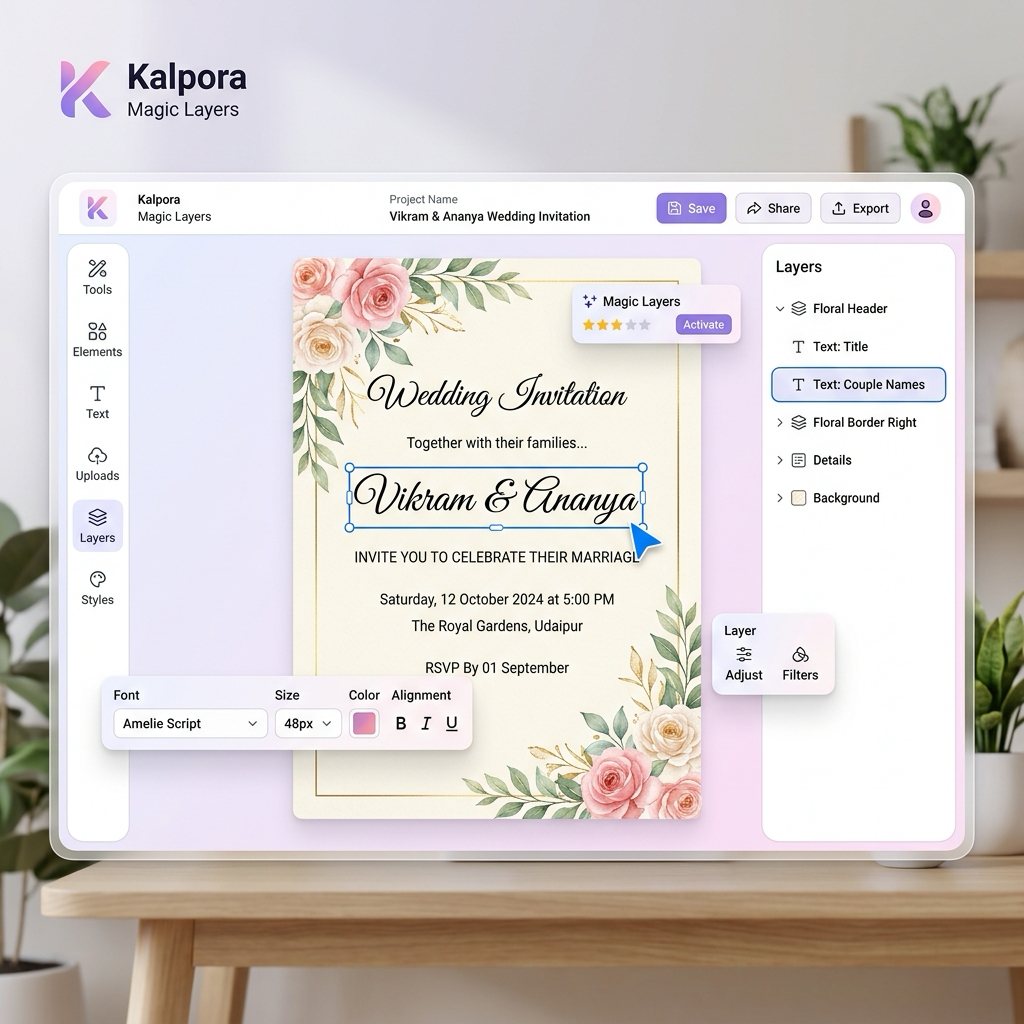
Create visuals, edit your design and export your work. Invitations also have their own sharing and RSVP tools.
Describe your idea in plain language. Work with Scout to create visuals and refine your design in the editor.
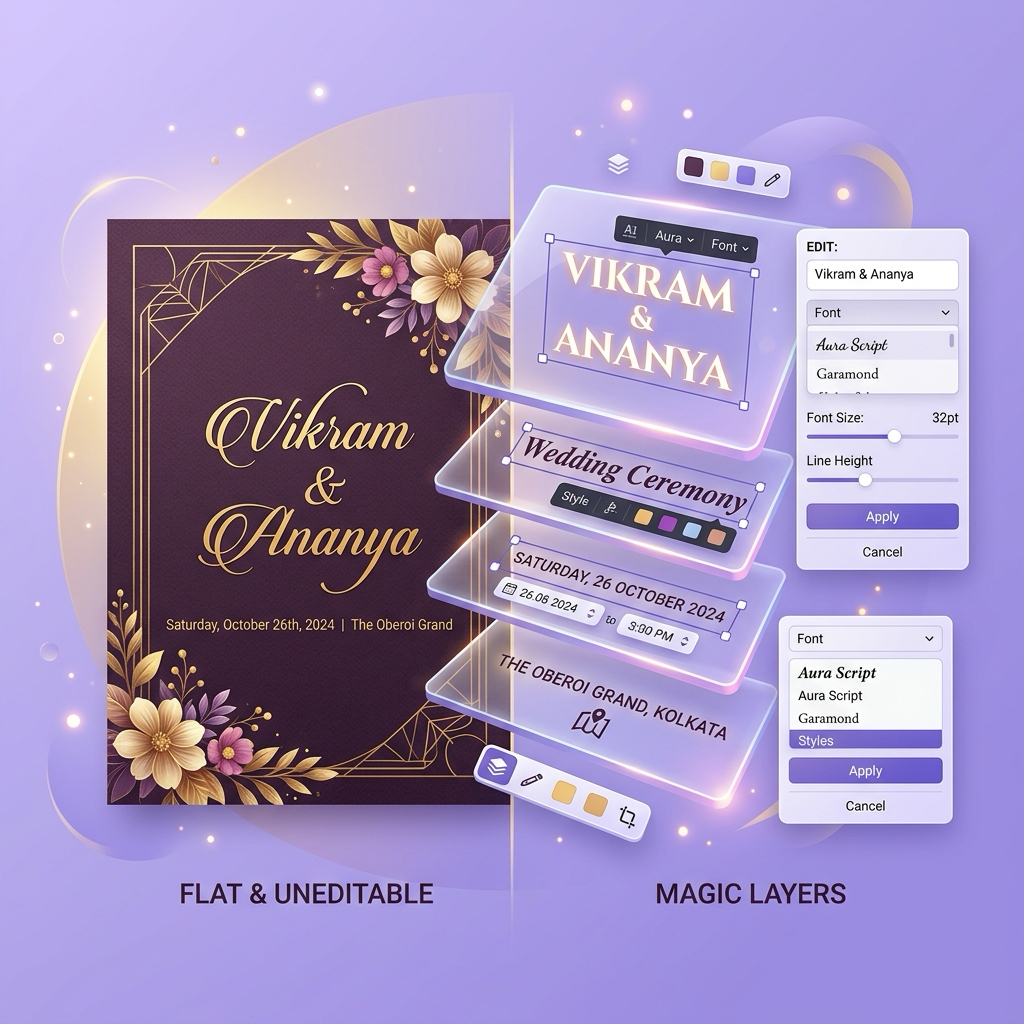
Turn a flat image, Pinterest pin, or URL into separated, editable design layers.
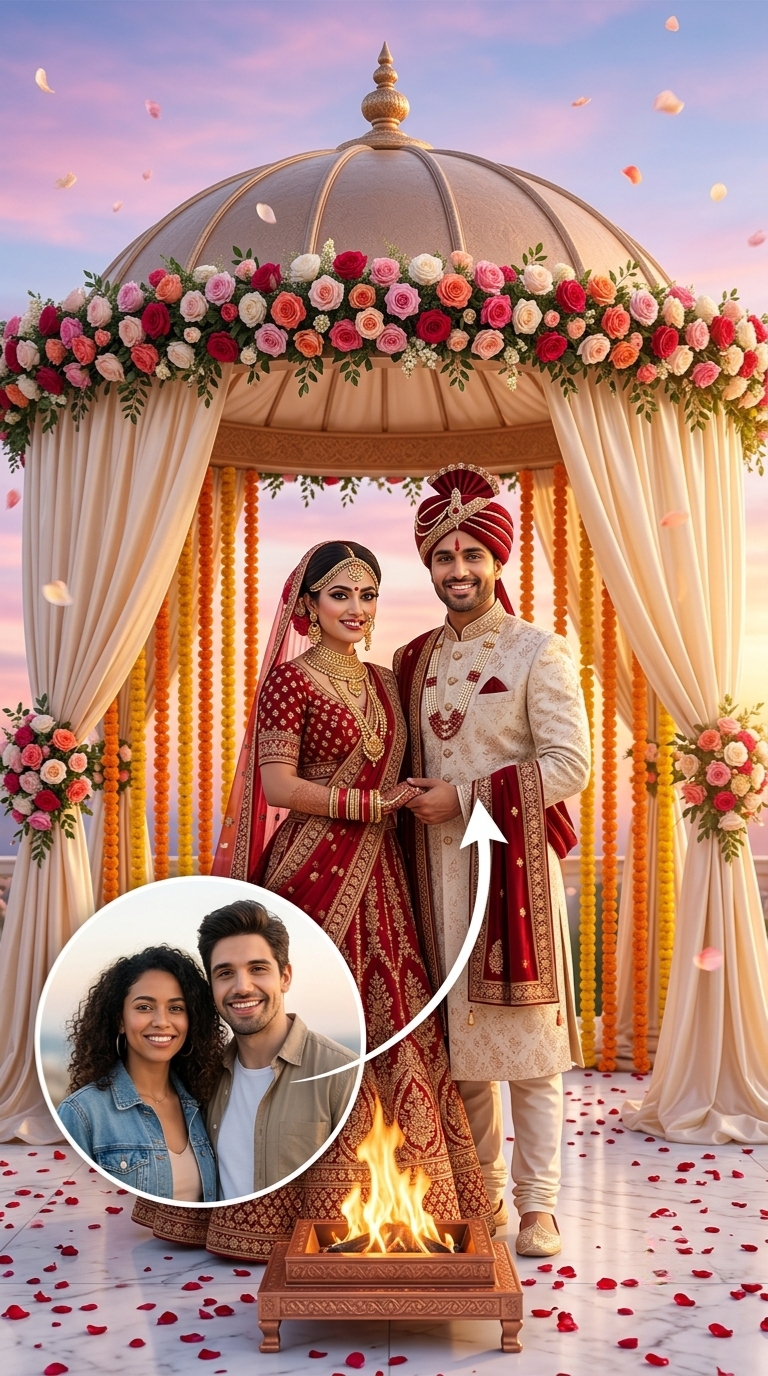
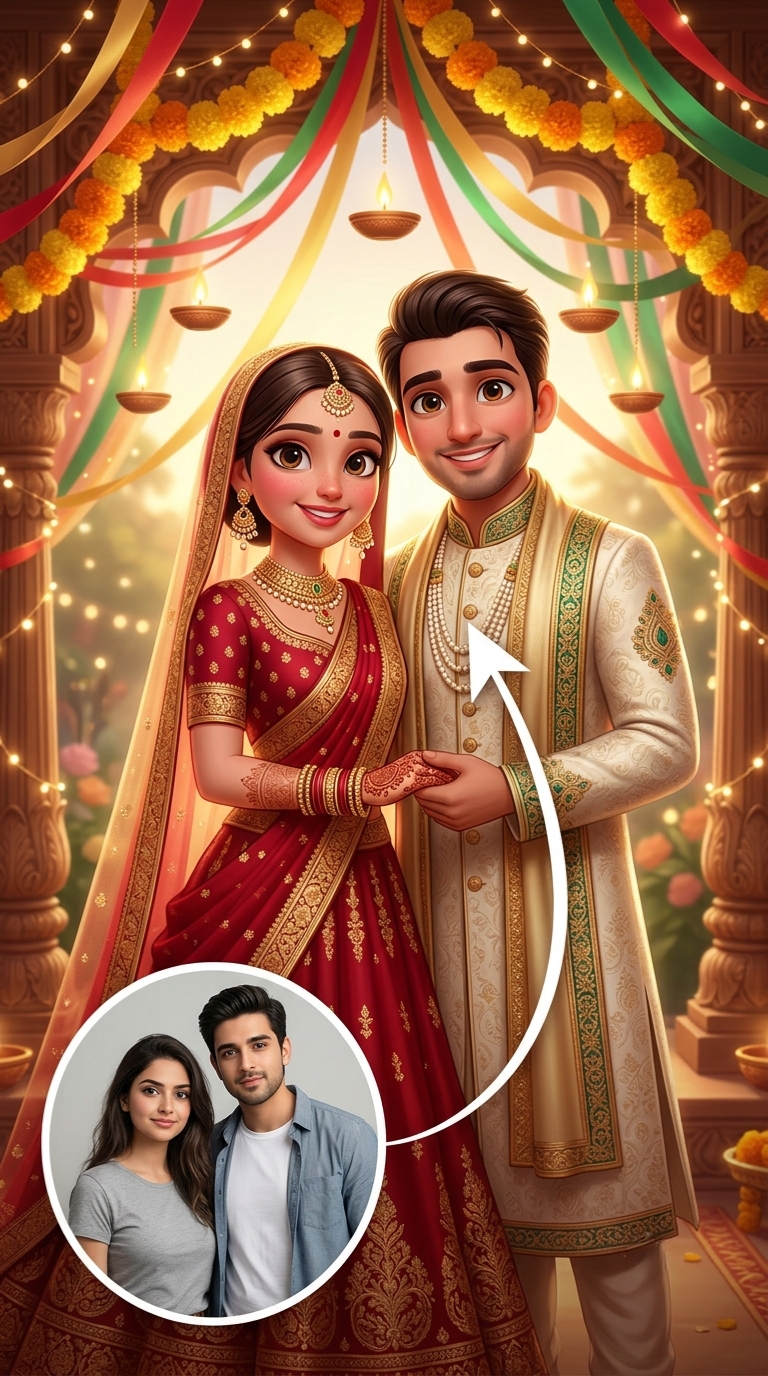
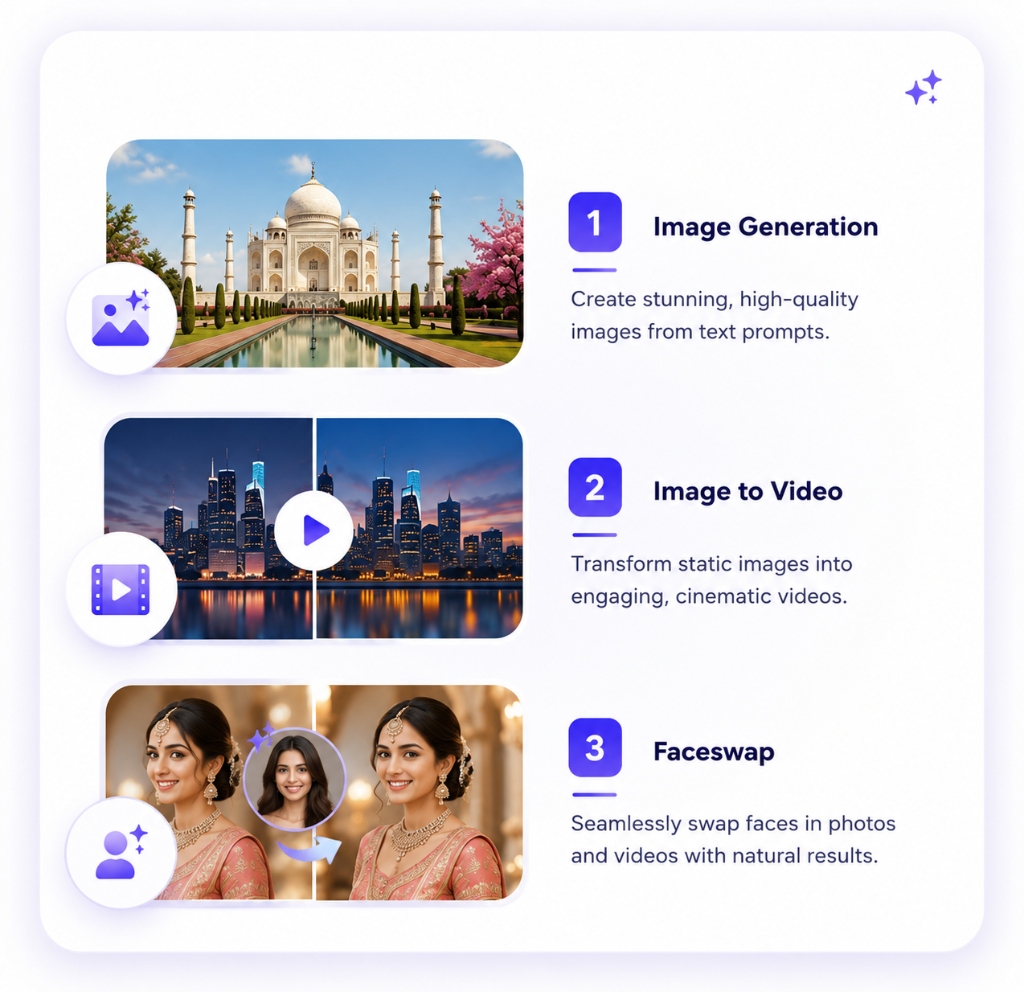
Three AI tools in one: text-to-image, image-to-video, and face personalization.
Export images, video, or PDF. Publish as a website, connect RSVP, and share WhatsApp-ready invites.
Explore our blog for guides, tutorials, and design inspiration.
 Guide
Guide
 Tutorial
Guide
Tutorial
Guide
Illustrative creator workspace shown below.
Build collections for your clients or list designs in Kalpora so people can personalize them with guided AI.